
Aye, mates, the foliage is changing color and ya can’t take a handful of steps without seeing someone indulging in a pumpkin spice latte. It’s that season again—Back to School, or what some might dub, “How Much of My Loan Can I Waste in Freshers’ Week?” Now, if you’re heading back to lectures, you’ll need some gear to help you survive those lengthy hours of educational torture.
During my university days, I squandered a fortune on stationery—half of which I couldn’t even decipher ‘cause my handwriting resembled a tipsy spider that fell in ink. But now, after a few years of tech know-how, I’ve learned what tools truly make a difference. And no, I’m not referring to your mum’s vintage fax machine.
So, here’s a straightforward list of gadgets ya should definitely think about for your lectures. Regardless of whether you’re rolling in cash or strapped for cash, there’s something for everyone. And remember—being a student means a treasure trove of discounts. Don’t be silly; double-check before you fork out full price.
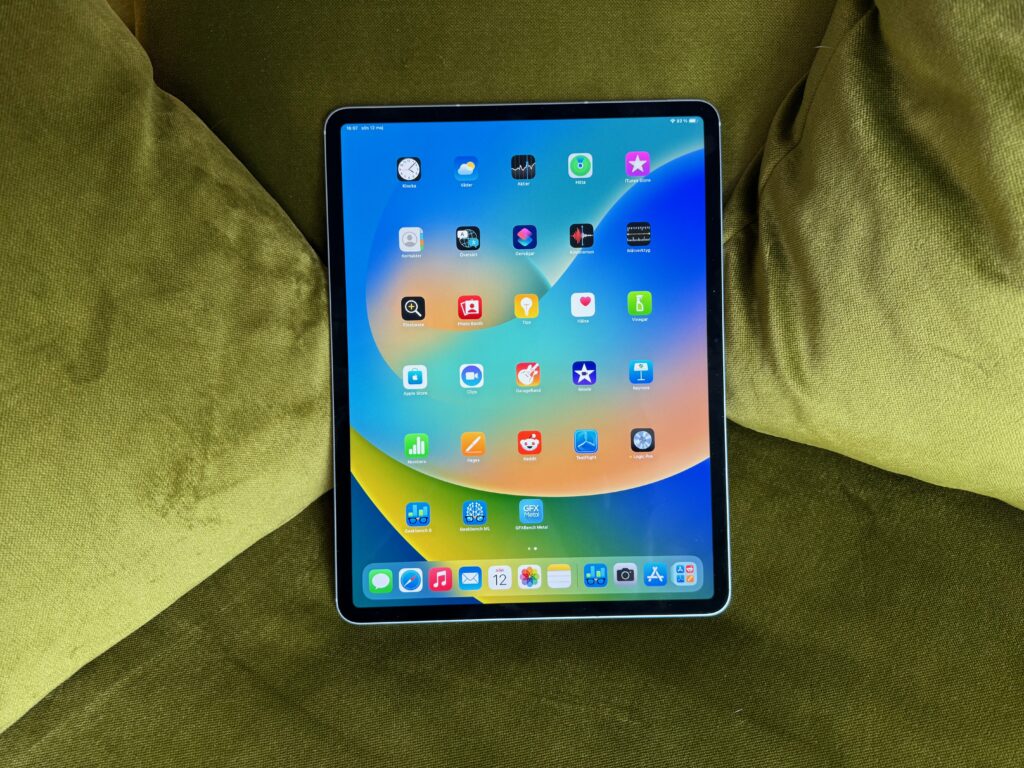
iPad Air 6
Back in ’14, I picked up an iPad Mini 2. Thought I was the bees’ knees, but honestly, I spent most of my time binge-watching silly videos on YouTube instead of hitting the books. That antiquated tablet doesn’t compare to the new [iPad Air 6](https://www.gadgetlad.co.uk/ipad-air-6-review).
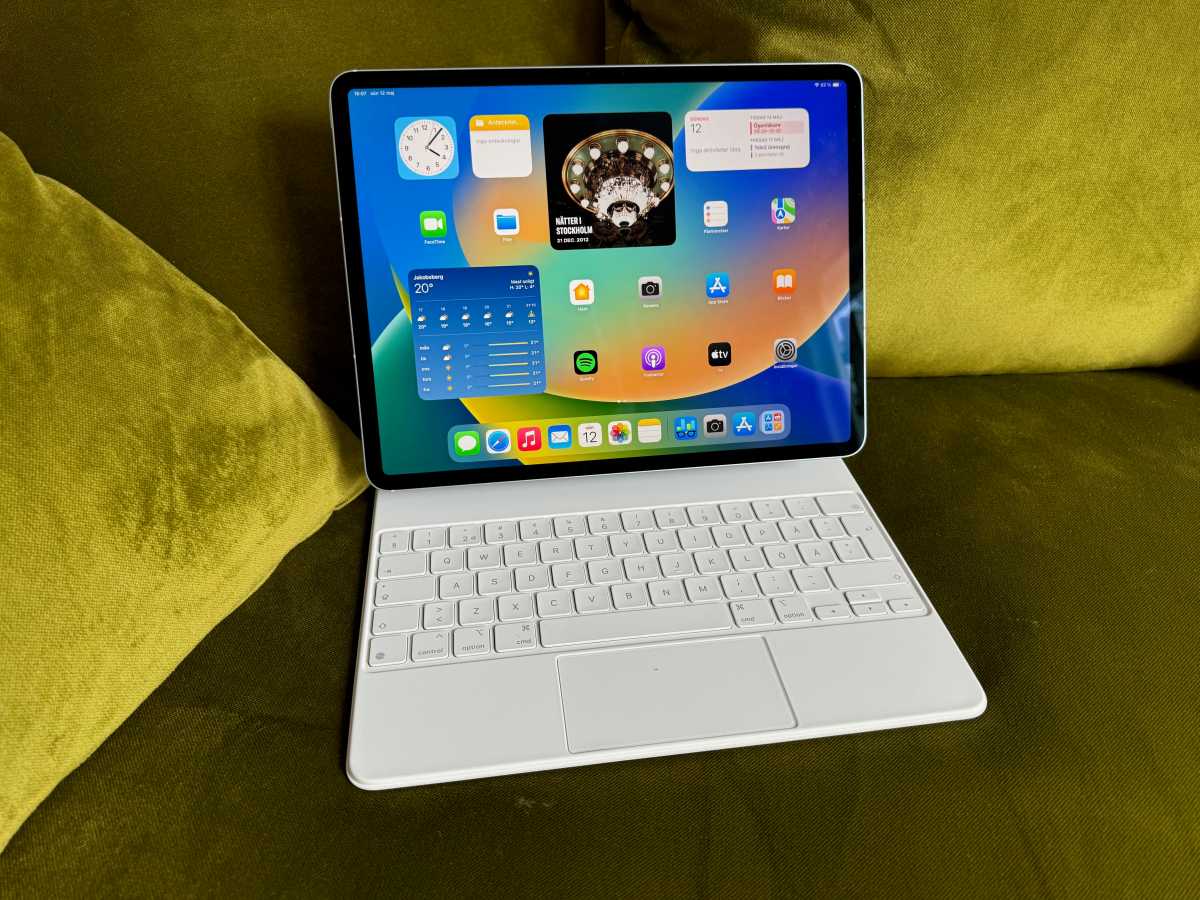
This gem comes in two sizes: 11-inch and 13-inch—big enough for jotting down notes yet compact enough to fit in your bag. And it’s available in four colors too, you know, just in case you wanna match your tablet to yer trainers. You can hook up an Apple Pencil Pro and Magic Keyboard, crafting a superb setup for note-taking. Plus, the M2 chip inside is speedy enough to handle all your apps without lagging like a grandparent struggling with technology.
Equipped with a 12MP rear camera for capturing lectures slides, and thanks to Live Text support, you can even extract info from those images. Slim, lightweight, and portable—ideal for sprinting to classes after a wild night out.
Want one? It’ll cost around £549/$549 with an educational discount, and you might even snag a bonus gift card. Looking to save a bit more cash? You could go for the previous-gen [iPad Air 5](https://www.gadgetlad.co.uk/ipad-air-5-review) for £439/$399.
If you’re more inclined towards Android, don’t fret, I’ve got ya sorted in my [best tablets chart](https://www.gadgetlad.co.uk/best-tablets).
Microsoft OneNote / Apple Notes / Google Keep
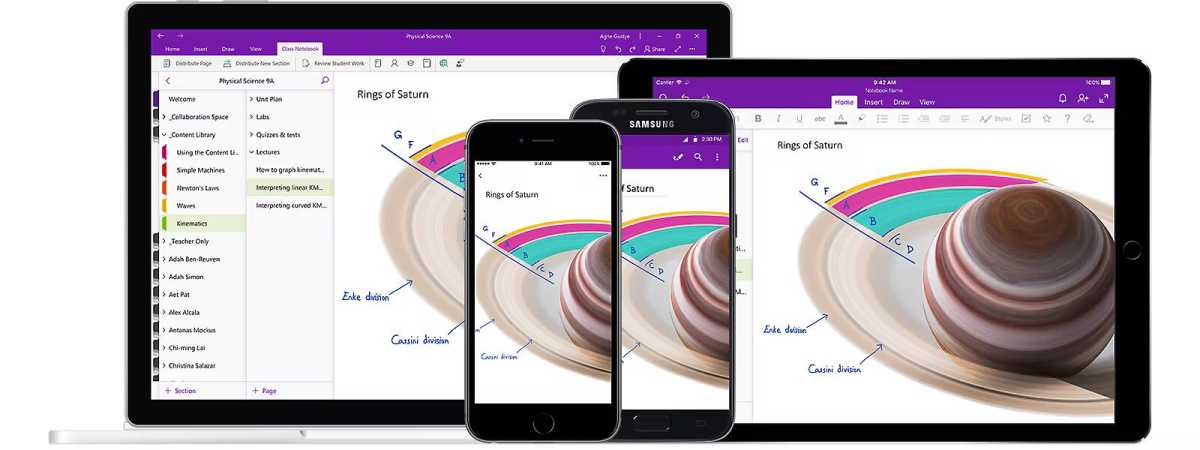
Alright, even if ya don’t have a posh iPad or laptop, at the very least ya need a solid note-taking app. They’ll sync across all your devices using that magical cloud stuff, so you can jot something down on your phone and wrap it up on a PC later. Handy if ya spend more time in the library than in your own dorm.
For you fine folks on Windows, Apple’s polished ecosystem, or even Android, I’d recommend [OneNote](https://www.onenote.com/signin?wdorigin=ondc), [Apple Notes](https://www.icloud.com/notes), or [Google Keep](https://keep.google.com/). They’re all free—so keep your funds for what’s truly crucial, like a pint after your 9 AM lecture.
These apps let ya type, and you can also record audio, perfect for when your lecturer starts rambling at a million miles an hour. Plus, they boast transcription features to save your behind if your note-taking pace is slower than a tortoise with a hangover.
If ya require something a bit more sophisticated, check out [Google’s Speech-to-Text AI](https://cloud.google.com/speech-to-text) or other options like [Otter AI](https://otter.ai/) and [Evernote](https://evernote.com/).
Acer Aspire 3
Most universities these days toss a free Microsoft 365 subscription your way, so what you really need is an affordable Windows laptop to kick things off. I had one ages ago, but I trashed it by installing too many Sims 3 mods—don’t follow my lead.
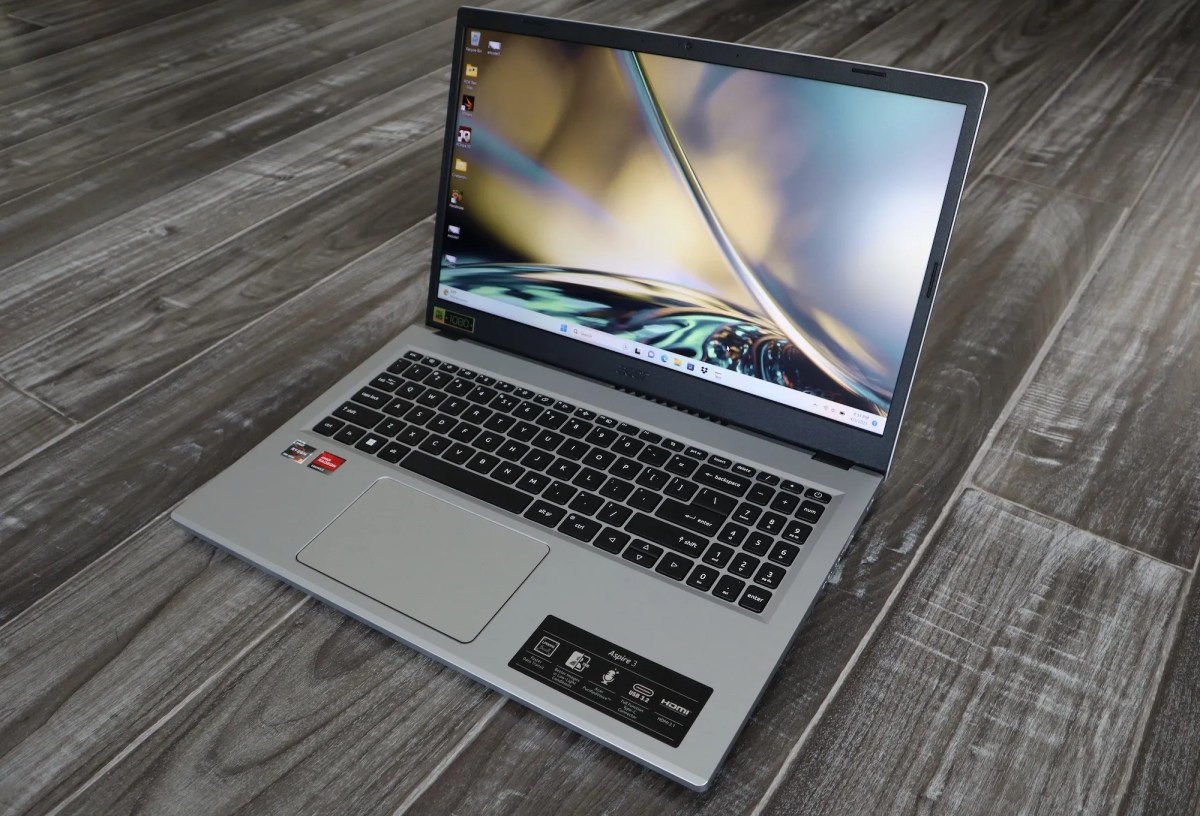
The [Acer Aspire 3](https://www.gadgetlad.co.uk/acer-aspire-3-review) is a stellar pick for students. It boasts a spacious keyboard, so ya won’t hurt your fingers typing, decent battery stamina, and it performs well enough too. Sure, it’s slightly bulkier than a tablet, but that’s the compromise for something that can handle more than one app at a time.
You can grab one starting at £369/$329. Not too shabby if you ask me.
Charmast 10,400mAh Power Bank
It’s all fine and dandy having nifty gadgets, but they’re about as useful as a chocolate teapot if they’re out of juice. Lecture halls may have charging points, but more often than not, they’re as outdated as yer nan’s microwave.
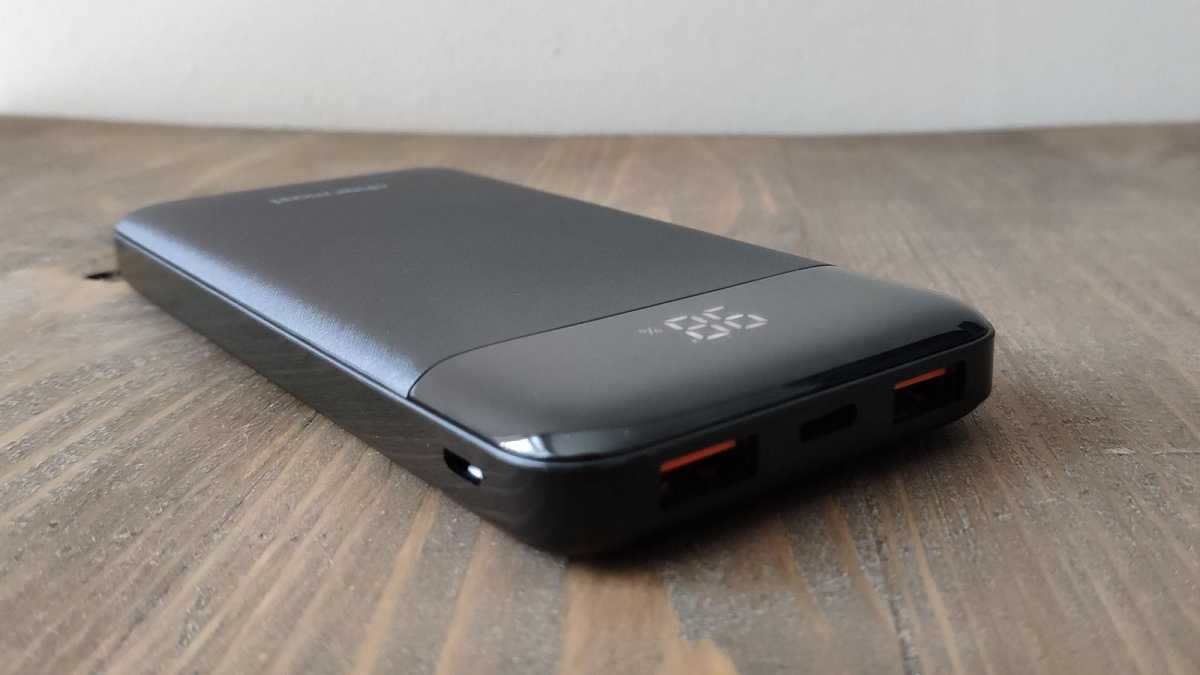
Snag yourself a [Charmast 10,400mAh Power Bank](https://www.gadgetlad.co.uk/best-power-banks) and dodge that dead-battery anxiety. This one features two standard USB ports and a USB-C PD port—so it’s got ya sorted no matter what device you’re using. It supports 18W fast charging too, but only for one device at a time.
But don’t be a muppet—charge the power bank before ya step out. It takes around 3.5 hours with a Quick Charge adapter, and about 5.5 hours with a regular one. There’s even an LED display so you can see when it’s about to tank.
You can pick one up for approximately £18.99/$22.99. Real bargain.
Trust Lisboa Backpack
Once ya have all yer gear sorted, you’ll need something to tote it around in. Enter the [Trust Lisboa Backpack](https://www.amazon.co.uk/Trust-Backpack-Shockproof-Weatherproof-University/dp/B0CJVK19P2/ref=sr_1_3). This beauty’s got compartments galore, including one for a 16-inch laptop, and it’s comfy enough to wear all day—ideal for braving the unending Geordie rain we all know and love.
Available in three colors, and it’s water-resistant, so your gear stays dry even when yer soaked through. All this for just £34.99. Sadly, if you’re in the US, you’re outta luck on this one, but there are other choices in my [best laptop bags list](https://www.gadgetlad.co.uk/best-laptop-backpacks).

Related reads