
Today, it’s not generally hardware failures that lead to smartphones being thrown away. More often, the absence of software support compels users to purchase replacements: major Android updates stop after a few years, security vulnerabilities linger, and new applications eventually demand a newer version of the operating system.
Nonetheless, many older devices possess sufficient processing capability for daily tasks. Custom operating systems (ROMs) provide a viable alternative: they prolong the life of smartphones, deliver security updates, and eliminate bloated manufacturer interfaces. With new web installers in the browser, initiating the process has never been simpler – although the community finds itself divided into two factions.
On one hand, the notably secure GrapheneOS offers the latest Android 17 solely for (older) Google Pixel devices. On the other, the more versatile LineageOS supports over 100 models from various brands with the established Android 16. The newest release, LineageOS 23, brings Google’s system to devices that have long been without official updates.
The team is already making progress on the upcoming version, LineageOS 24 (based on Android 17) – although, in typical fashion for the community, a specific release date has yet to be determined.
LineageOS: Android 16 sans bloatware
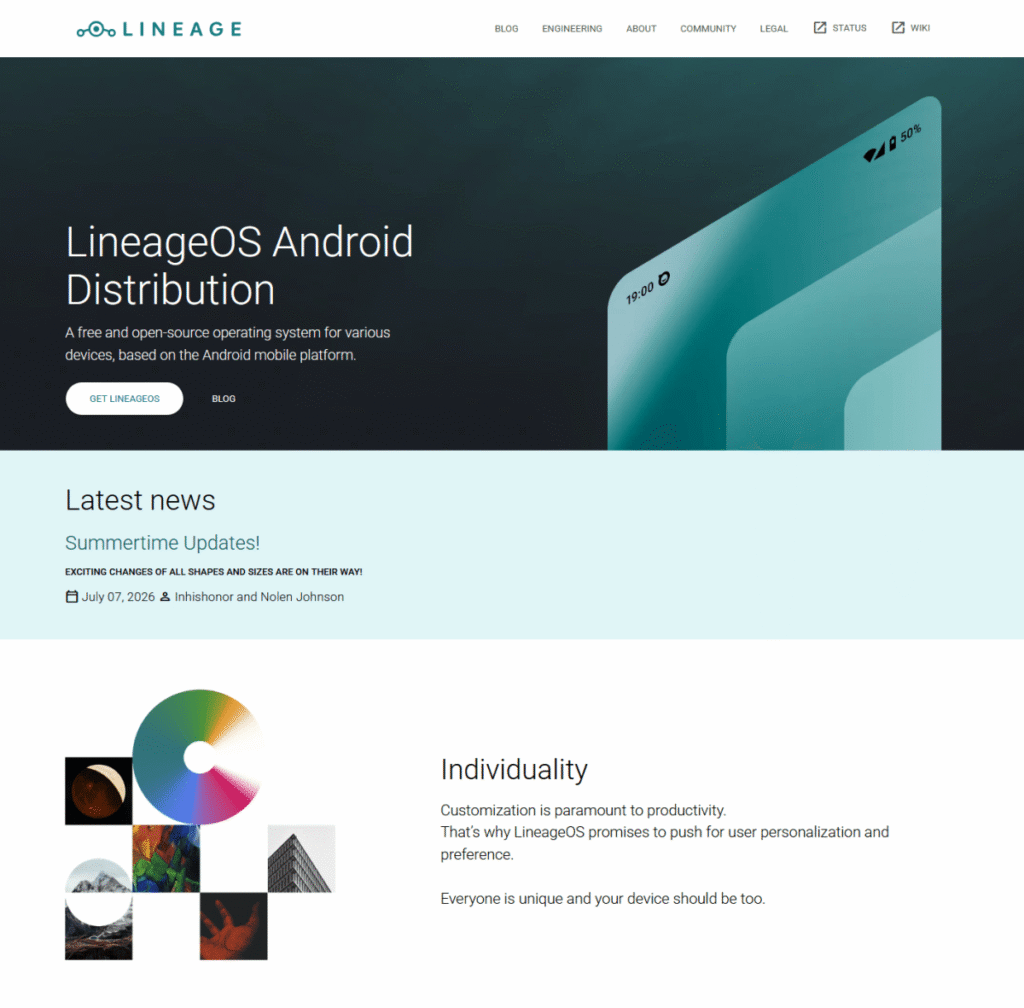
LineageOS is a replacement Android operating system rooted in the open-source Android code (AOSP), with its current iteration, LineageOS 23, operating on Android 16. Unlike a manufacturer-developed system, it is crafted by a global community. The goal: to maintain smartphones in a current state for longer and provide users with enhanced control over their devices.
Introduced in 2016 as the heir to the renowned custom ROM CyanogenMod, LineageOS has evolved into one of the most significant Android alternatives. It supports a wide range of smartphones and tablets across various brands – including models from Samsung, Xiaomi, Motorola, Sony, OnePlus, and Google.
The primary benefit of LineageOS over the original software from many manufacturers is its lack of pre-installed applications, ads, or unnecessary services. Users have the freedom to choose which components they want to add. Those who require Google services can install a suitable package. Alternatively, those who prefer to limit their data sharing with Google can largely use the system without it.
Key advantages include:
- Updated Android versions for even older devices
- Frequent security updates
- Fewer pre-installed apps from manufacturers
- Enhanced data privacy and control
- Many customization possibilities
This makes LineageOS especially suitable for users intent on prolonging the use of their smartphone rather than swapping out a still-functioning device solely because it no longer receives updates.
Contemporary Android versions introduce new features to older devices
Whether you’re using the latest LineageOS 23 on Android 16 or, as a Pixel user, have accessed Android 17 through GrapheneOS (which will also serve as the basis for LineageOS 24 in the future): upgrading from an older Android iteration promises more than just a fresh version number. The latest releases offer extensive enhancements in security, usability, and efficiency for devices that have been retired.
Older smartphones specifically gain from optimized background processes and a streamlined system. This can positively affect speed and energy usage – particularly for devices whose original software has become increasingly cumbersome over time.
Users also access modern security features and Android security updates. LineageOS regularly integrates these into its builds and strives to deliver improvements to older supported versions as well.
The developers have also overhauled the internal update application. It now aligns more closely with Google’s recent design style and shows the security level listed in the Android Security Bulletin before an update occurs.
This provides users a clearer insight into which security measures are installed with each update. Additionally, system updates are streamed by default. This saves the often limited storage space on older devices and accelerates the installation process.
Supported devices: Not every smartphone is suitable
The crucial step before installation is to verify whether your smartphone is even supported. Not every Android device can run LineageOS.
You can access the official device list on the LineageOS Wiki. It catalogs all compatible models, including installation guides, downloads, and device-specific notes.
Ensure to verify the exact model name. A Samsung Galaxy S20, for instance, is not inherently compatible with every variant within the series. Manufacturers frequently offer multiple versions of a smartphone with differing processors or modems.
A wide selection of older devices is currently supported. Of particular interest are smartphones that are still functionally sound yet no longer receive updates from the manufacturer.
Note on upcoming upgrades:
If you choose to use LineageOS 23 (Android 16) now, you won’t have to worry about data loss when LineageOS 24 (Android 17) is released later. Transitioning to a new major version typically avoids requiring a factory reset: rather than using the automatic updater, you manually install the new operating system image once through the smartphone’s recovery environment (via what is known as ADB sideloading) – your installed applications, images, and settings will stay unchanged.
Before installation: Important considerations
A custom ROM isn’t merely a standard app update. The installation modifies the smartphone’s entire system software. Therefore, thorough preparation using the following checklist is vital:
- Comprehensive data backup: Ensure to back up your photos, videos, contacts, documents, and essential app data. Unlocking the bootloader usually results in complete data loss from internal storage.
- Two-factor authentication (2FA): Consider your account security. If you use authentication apps, back up your recovery codes or transfer your accounts to another device ahead of time.
- Bootloader unlocking: To enable third-party software to function, this manufacturer-imposed security barrier must be removed. The precise procedure differs depending on the smartphone model.
- Evaluating warranty and risks: Unlocking the bootloader might influence the manufacturer’s warranty or specific security functionalities. For older devices, this often becomes negligible in practice – however, it’s advisable to investigate beforehand.
Installing LineageOS: The web installer simplifies the process
Previously, installing a custom ROM required a series of intricate steps: installing the Android Platform Tools on your computer, entering confusing commands through the command line, manually transferring files, and subsequently installing the recovery and system. With the introduction of the browser-based Lineage Flash Tools, the team has significantly streamlined this procedure.
Crucial to keep in mind:
The tool doesn’t launch automatically when connecting the device and doesn’t automatically download files for you. Instead, you download the pertinent operating system image manually as usual.
The Lineage Flash Tools act as a user-friendly alternative to the PC command line, which some users may find daunting: You open the tool’s web interface in your browser, connect your smartphone via WebUSB (compatible with Chrome or Edge) with a single click, and can directly upload the installation files to your phone through the browser window.
The new flash tool accommodates various methods such as Fastboot and ADB, as well as Samsung’s Odin protocol for select devices. This dramatically lowers the entry barriers. However, since the team is progressively rolling out the feature and device-specific details remain, the web installer doesn’t wholly replace the entire process: often, the prior manual unlocking of the bootloader is necessary.
It remains impossible to do this without any prior preparation whatsoever. LineageOS supports a vast number of devices, each with its unique characteristics. Therefore, the official manuals for individual devices on the LineageOS Wiki remain crucial for reference.
There you will discover, among other things:
- which files are necessary for your smartphone
- how to unlock the bootloader
- which recovery environment to utilize
- whether any additional packages are needed
If you adhere to the instructions meticulously, you’ll usually succeed without complications. However, incorrect files or missteps can result in the device becoming unbootable – a scenario referred to as a ‘soft brick’.
Useful tips for browser installation:
- Shut down the local ADB: If you have already installed the standard Android Developer Tools on your PC, run the command `adb kill-server` in your command line prior to using the web tool to prevent conflicts.
- Fixing USB connection issues: The flashing process demands a high data transfer rate. If the web installer crashes or loses connectivity with the device, refrain from using USB hubs, extension cables, or adapters. Connect the smartphone directly to the PC and, if necessary, try an alternative USB cable or a different USB port.
- Support for issues: If you’re still encountering problems, the community provides official support channels on Reddit, Discord, or the IRC channel (#LineageOS on Libera.Chat).
Google services or ultimate freedom?
Following installation, LineageOS initially operates without Google services. Users who wish to continue utilizing the Play Store, Gmail, or Google Maps can install additional Google packages. A popular option is MindTheGapps, which has been tailored for LineageOS.
As an alternative, users may consider more privacy-centric solutions like MicroG, or completely forego Google services and acquire apps from alternative platforms.
The choice of which option makes sense largely depends on personal usage preferences. For many, the combination of LineageOS and Google services is the simplest pathway, while privacy advocates might opt for a different route.
GrapheneOS: The tailored solution for Pixel users (Android 17)
Alongside LineageOS, GrapheneOS represents another prominent Android alternative. However, its approach is distinct: while LineageOS aims to support as many devices as feasible, GrapheneOS is focused solely on Google Pixel smartphones.
This concentration is due to the special security features inherent in Pixel hardware. Among other advantages, GrapheneOS leverages the secure boot process and hardware-based protection measures unavailable in equivalent forms on other devices.
The system mainly caters to users with particularly stringent data privacy demands. Google services are not permanently embedded but can still be utilized through an isolated environment (sandboxed Google Play).
GrapheneOS quickly adopts new Android versions and has already incorporated Android 17 as its foundation. However, because of an initial bug with Android 17 impacting manual sideloading through the recovery menu, users should absolutely depend on the official web installer or automatic OTA updates when transitioning to or updating the system. For regular smartphone usage outside the Pixel market, however, LineageOS remains the much more broadly supported alternative, even if it is still based on Android 16.
Conclusion: A new lease on life for older smartphones
The cessation of manufacturer support doesn’t automatically signal the end of a smartphone’s existence. Individuals with devices that remain functionally sound can frequently prolong their usage by several additional years with LineageOS.
The combination of the latest Android version, security updates, and the reduction of manufacturer restrictions renders custom ROMs more appealing than ever. Simultaneously, the new LineageOS web installer alleviates some of its previous complexities.
While it still requires a degree of technical interest, if you invest some time and carefully observe the official instructions, you’ll ultimately enjoy a modern Android system – significantly extending the life of your smartphone.
Summary: Revive Your Old Brick!
So there it is, everyone! Breathe new life into your old gadget with these handy ROMs. Stick it to those big manufacturers who expect you to upgrade constantly. Grab LineageOS or GrapheneOS, and keep that reliable mobile running strong. Who needs to shell out for a new phone when you can give the old one a fantastic refresh? Happy tinkering!