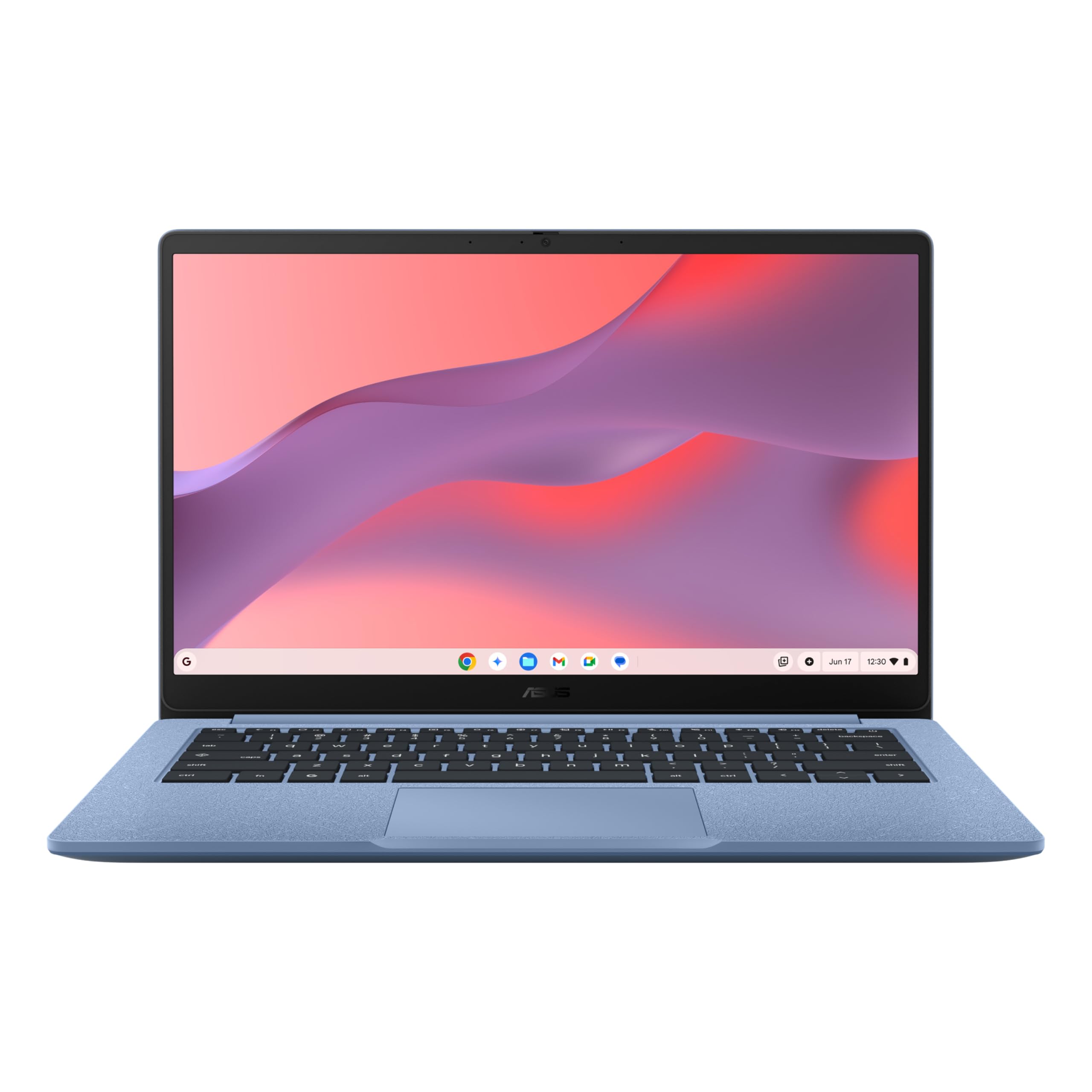
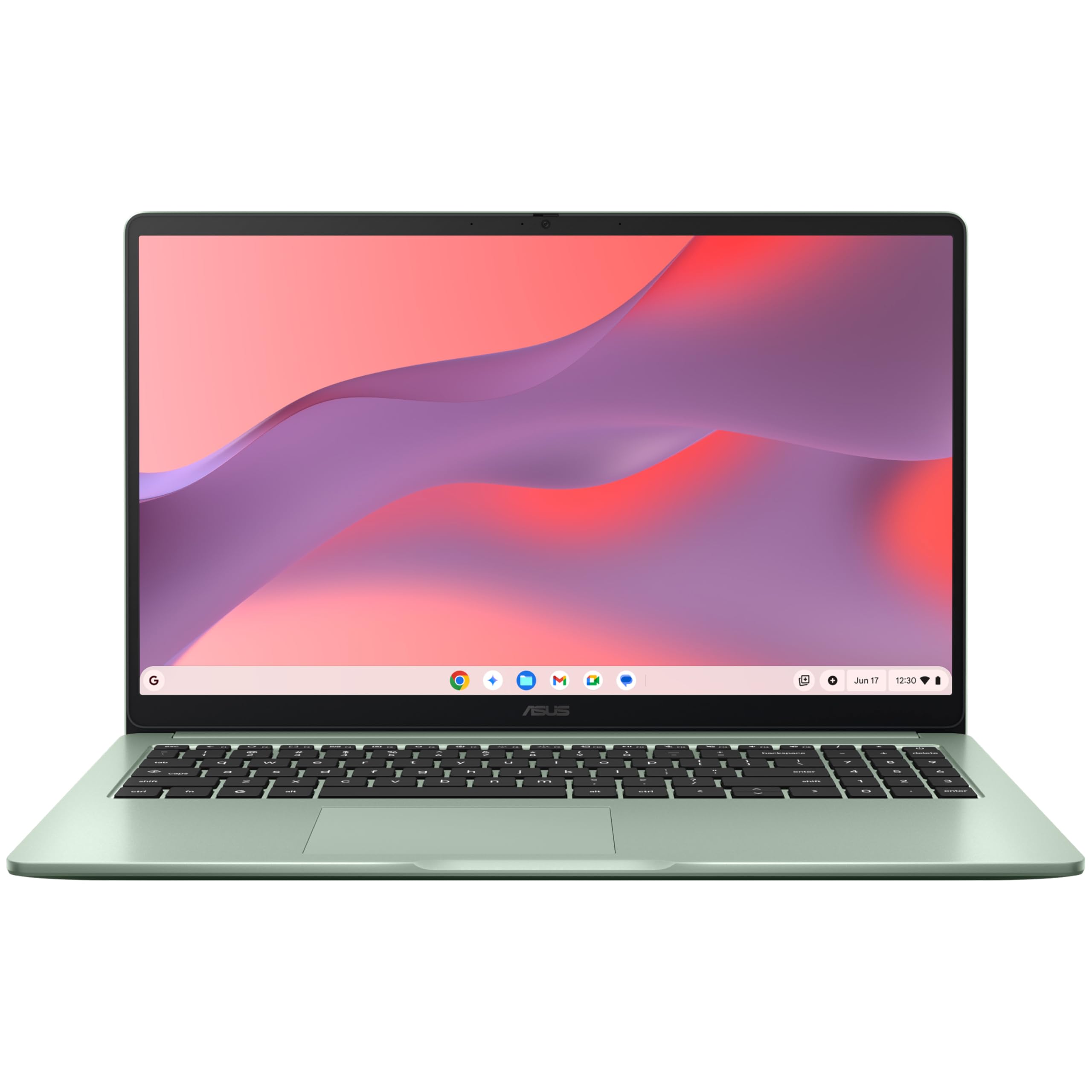
Introducing ASUS Chromebook CX14: Your Perfect On-the-Go Companion
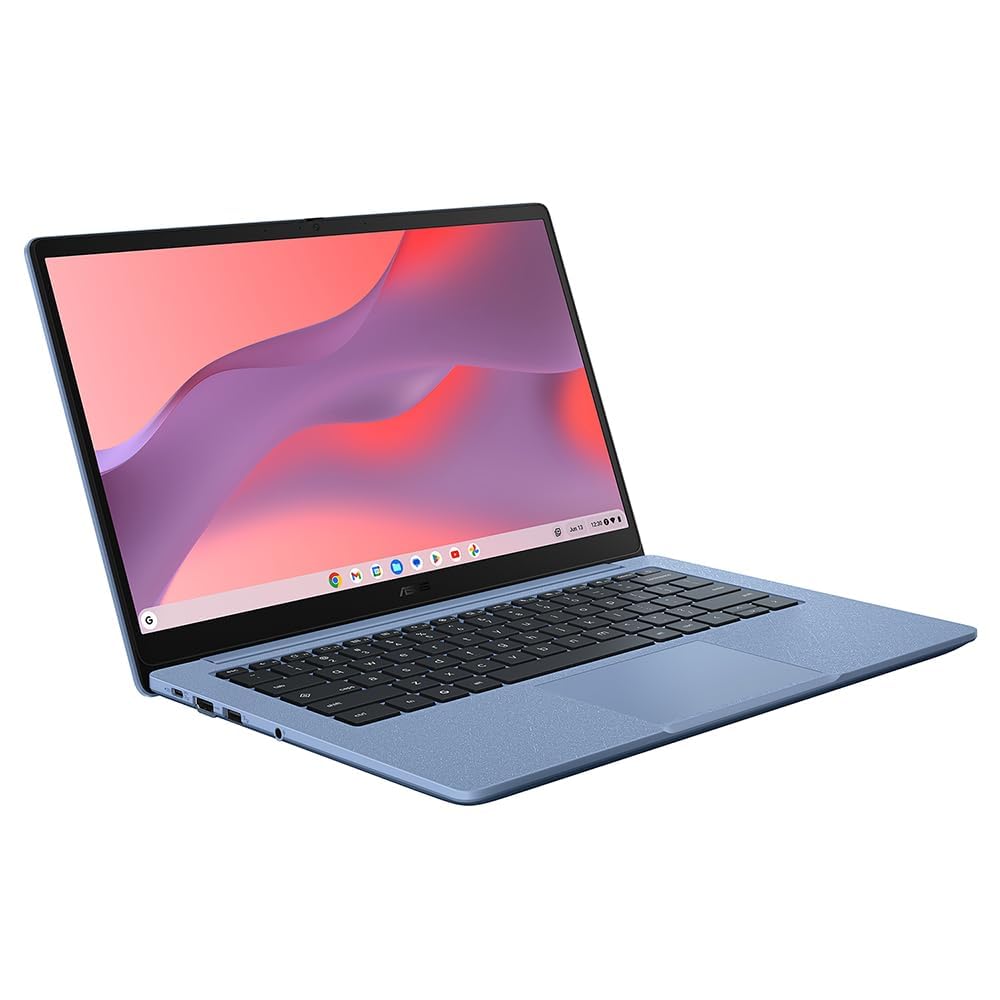
Experience effortless daily use with ASUS Chromebook CX14, weighing just 1.39 kg for ultimate portability. The 180° hinge ensures flexible viewing angles to cater to all your work and entertainment needs on the move.
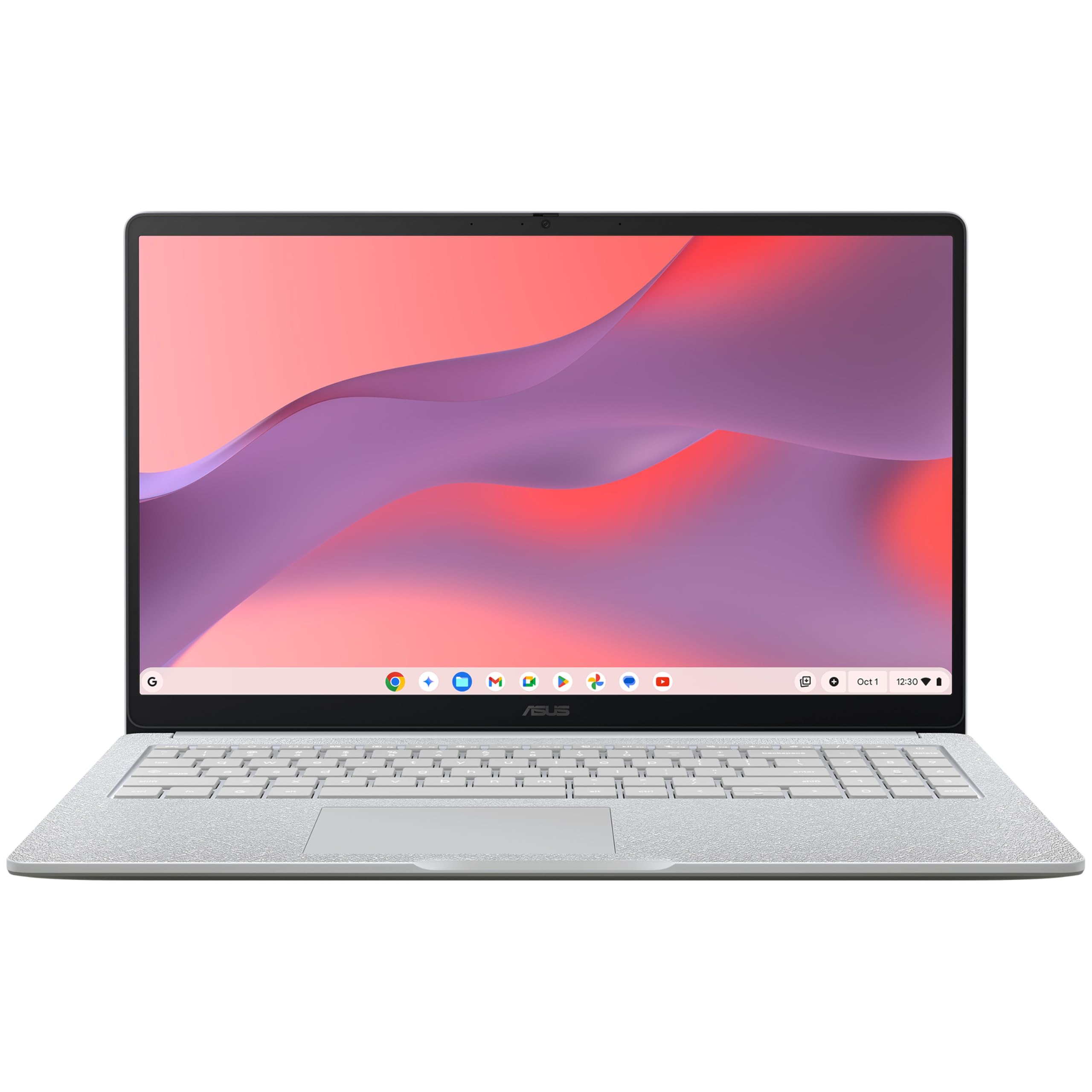
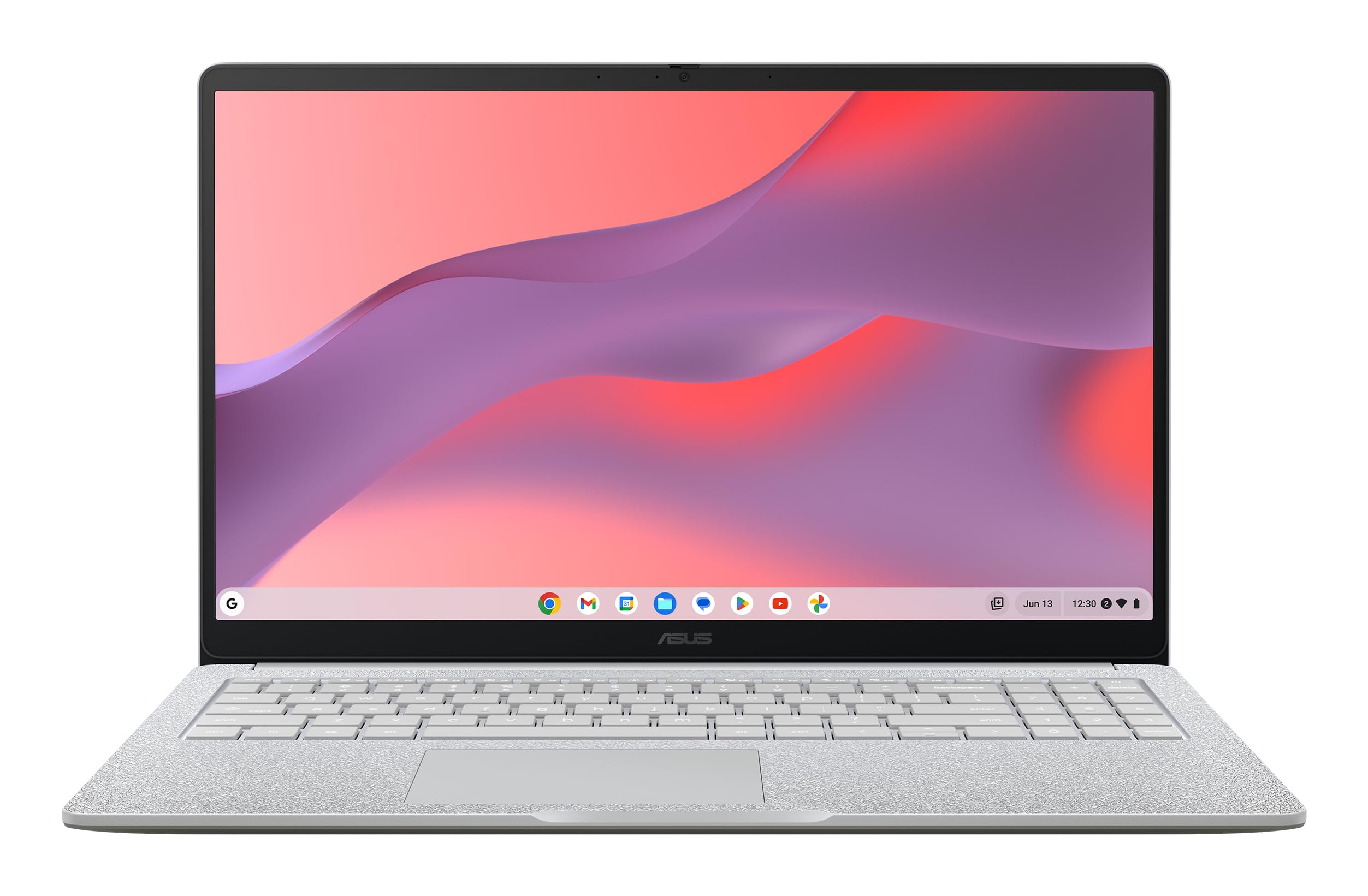
Delve into an expansive visual journey with the 14-inch 16:9 FHD display, offering wide viewing angles and an immersive feel. The narrow-bezel design maximizes the screen-to-body ratio to 86%, providing a sleek and spacious workspace for enhanced visual enjoyment.
Stay connected seamlessly with ASUS Chromebook CX14, boasting thoughtful connectivity features including HDMI support, USB 3.2 Gen 1 Type-C and Type-A ports, and a 3.5 mm combo audio jack — all conveniently located for ergonomic usability.
Designed to run on ChromeOS for optimized performance and security, ASUS Chromebook CX14 offers immediate access to Google Workspace apps by simply signing in with your Google Account. For Microsoft 365 users, easy access to Word, Excel, and PowerPoint files is available via browser without desktop installations, ensuring full functionality with a subscription.
Key Technical Specifications:
- Weight: 1.39 kg
- Display Size: 14-inch
- Aspect Ratio: 16:9
- Display Resolution: FHD
- Screen-to-Body Ratio: 86%
- Ports:
- USB 3.2 Gen 1 Type-C
- USB 3.2 Gen 1 Type-A
- HDMI
- 3.5 mm combo audio jack
- Operating System: ChromeOS
- Software: Google Workspace apps
- Microsoft 365 Compatibility: Online editing
- Microsoft 365 Subscription: Required for additional functionality
ASUS Chromebook CX14: A Canny Choice for the Avid Traveller
Ah, the ASUS Chromebook CX14. It weighs less than me left dumbbell and makes an ideal companion if you’re always grafting on the go. Weighing 1.39 kg, you’d barely know it’s in your bag, and with a 180° hinge, you’ve got a flexible friend for work or binge-watching the next big Netflix series.
The ASUS Chromebook CX14’s got a 14-inch FHD display that’s lush and makes use of its narrow bezels, giving an 86% screen-to-body ratio. Fancy a bit of extra space without carrying a telly about? This one’s for you. Its expansive viewing angles mean you won’t miss a trick, whether you’re reviewing spreadies or having a laugh at cat videos.
Connectivity’s where the CX14 shines brighter than me Aunt Mabel’s windows after a Spring clean. With HDMI support and USB 3.2 Type-C and Type-A ports, you’re sorted for connecting all your gadgets, and no faffing with adapters. They’ve put all the important bits on the upper left, giving you loads of room for a mouse and a brew.
Running on ChromeOS, it’s fast and secure. Sign in with your Google Account and away you go with Google Workspace apps like Docs and Sheets. Need Microsoft 365 for the proper office graft? Hit the web, and it’s ready. Although you can’t install desktop versions, a subscription sorts that out unless you fancy a faff.
In the battlefield of Chromebooks, the ASUS CX14 stands out for being light as owt, having proper connectivity options, and offering a decent viewing experience. Other competitors might give you more local storage but lack HDMI. Ideal for students, digital nomads, or anyone who needs to pack light, this ASUS Chromebook’s a solid bet for getting stuff done with ease.