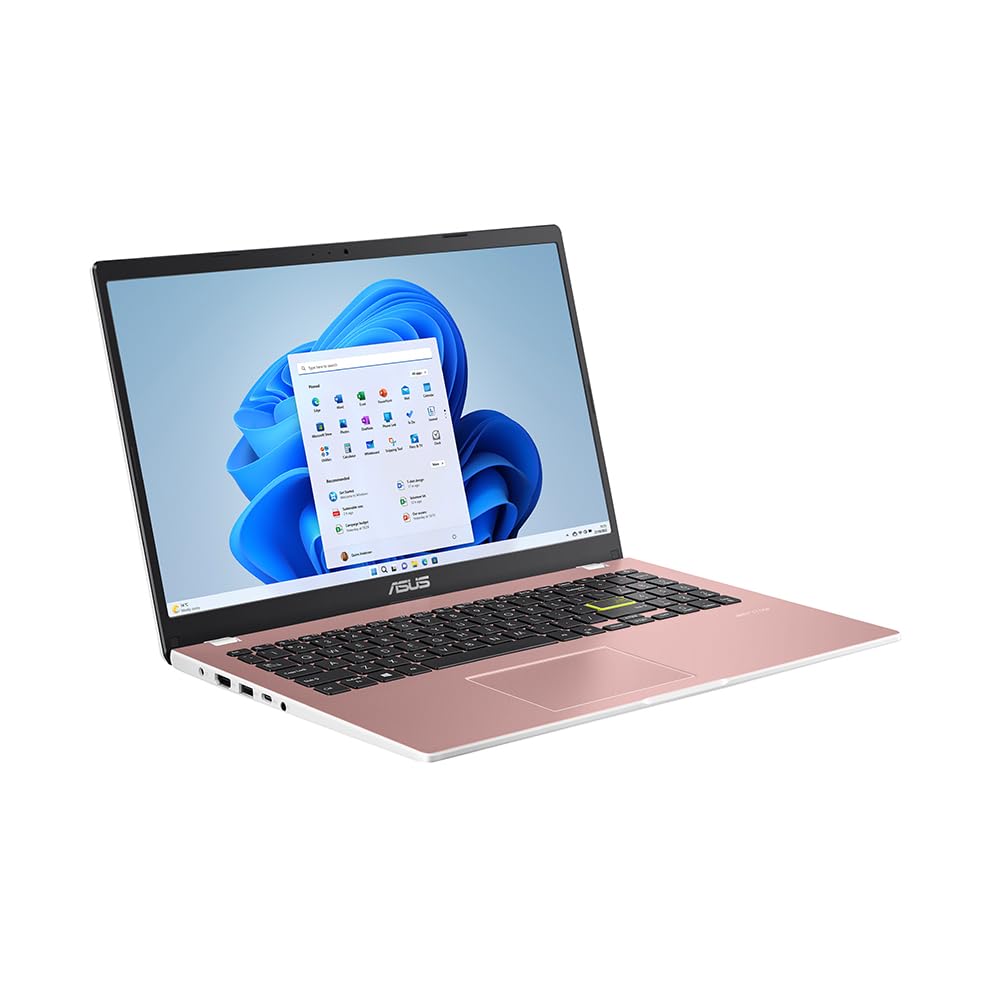
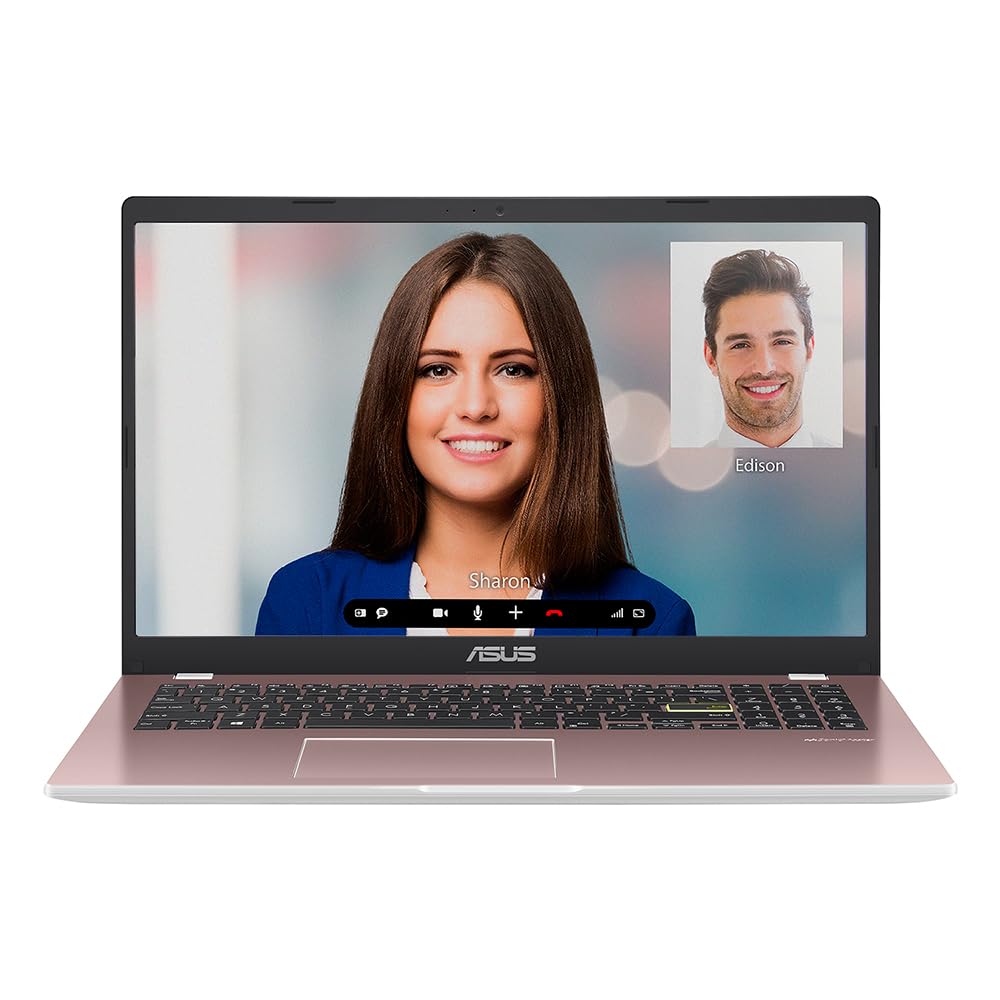
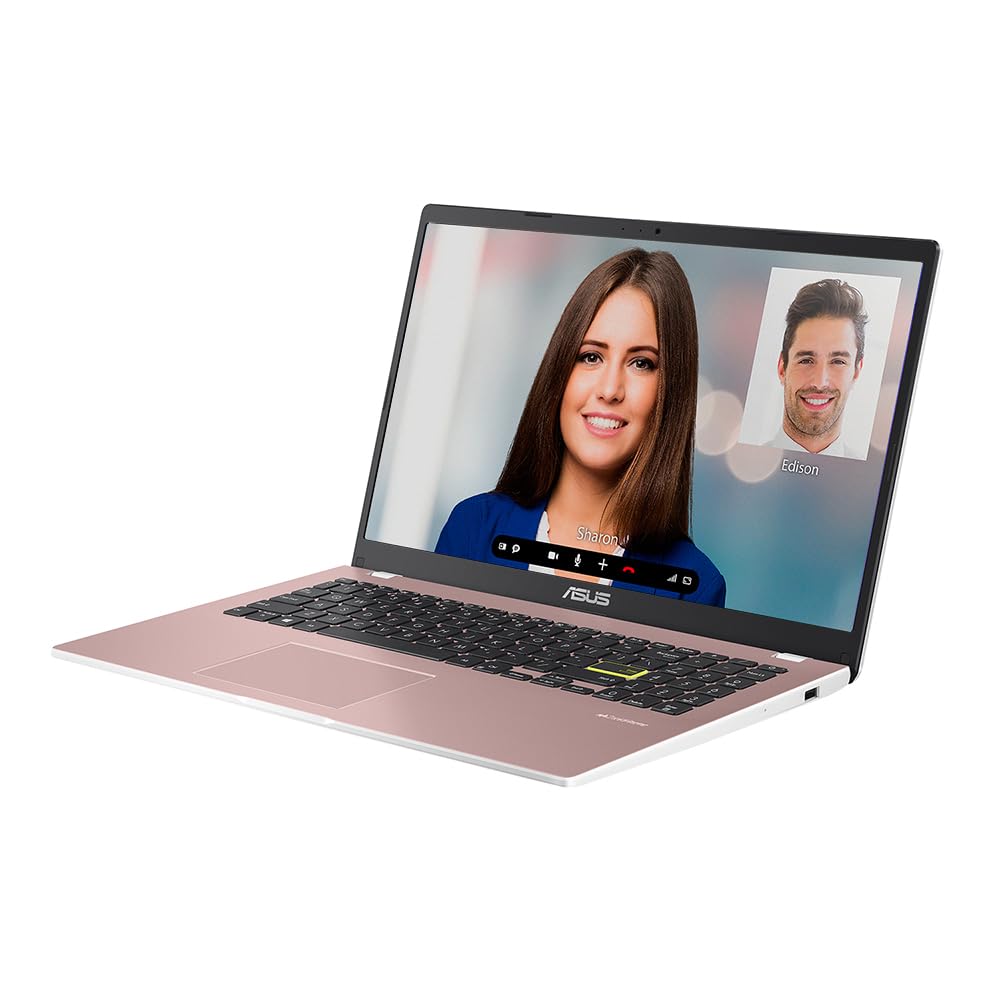
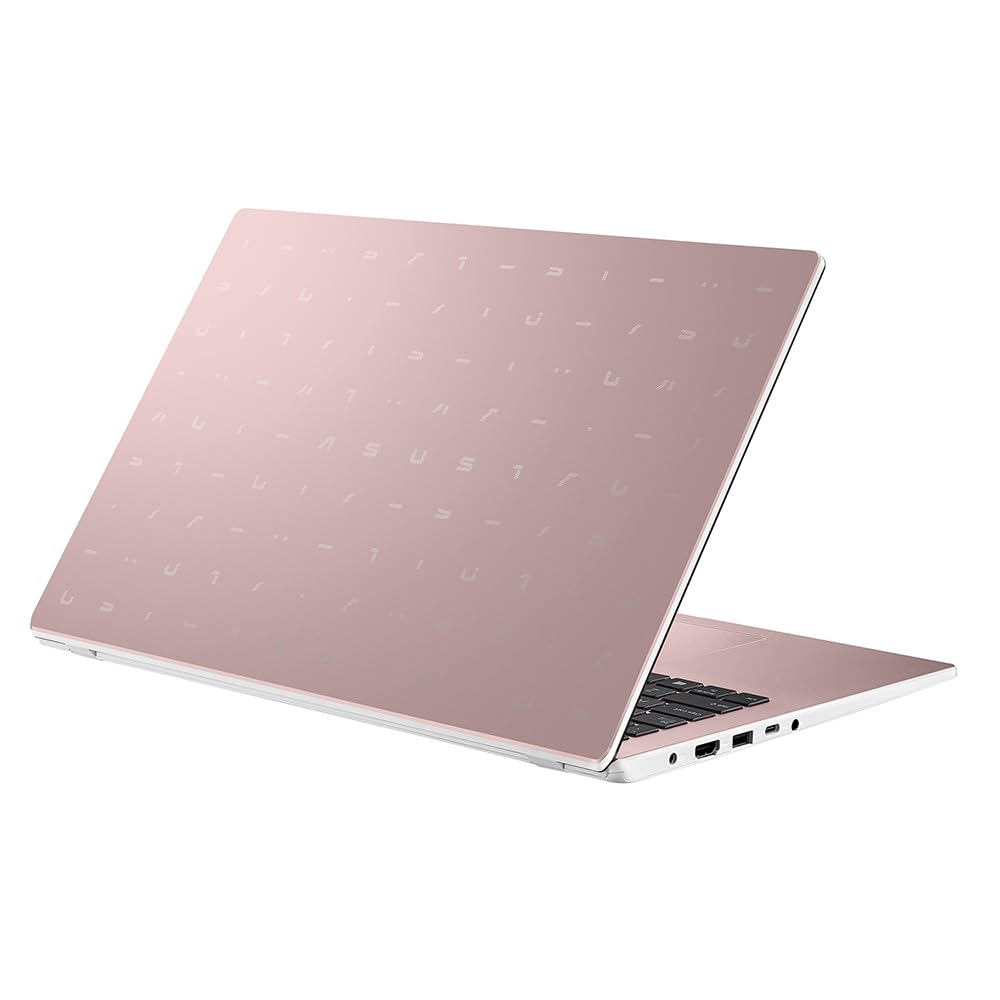
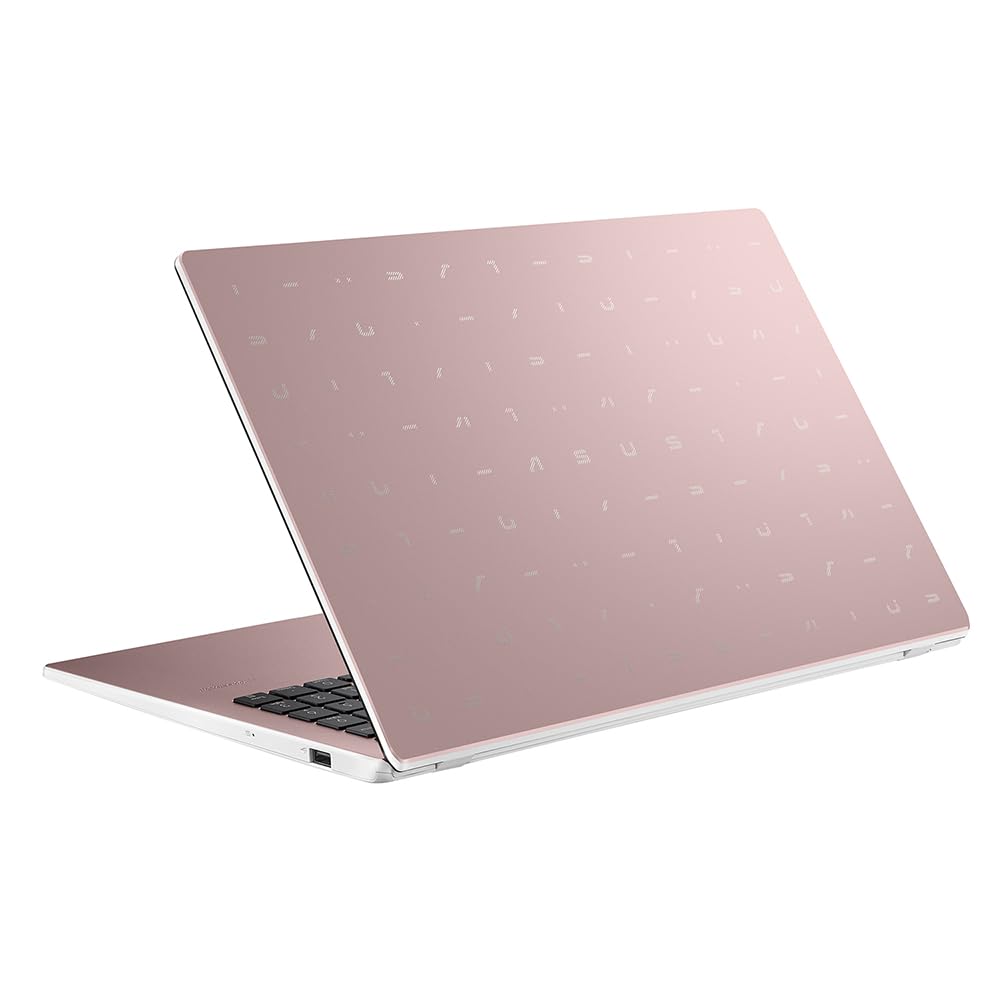
Introducing the ASUS Vivobook 14, a stylish and compact laptop designed to keep up with your active lifestyle. Featuring a vibrant pink color and a lightweight build, this laptop is as fashionable as it is functional.
Equipped with a 14-inch screen, the Vivobook 14 offers a crisp and immersive viewing experience. Powered by a Celeron CPU and 4GB of RAM, this laptop is optimized for everyday computing and productivity tasks. With the 128GB eMMC storage, you’ll have plenty of space for all your files and apps.
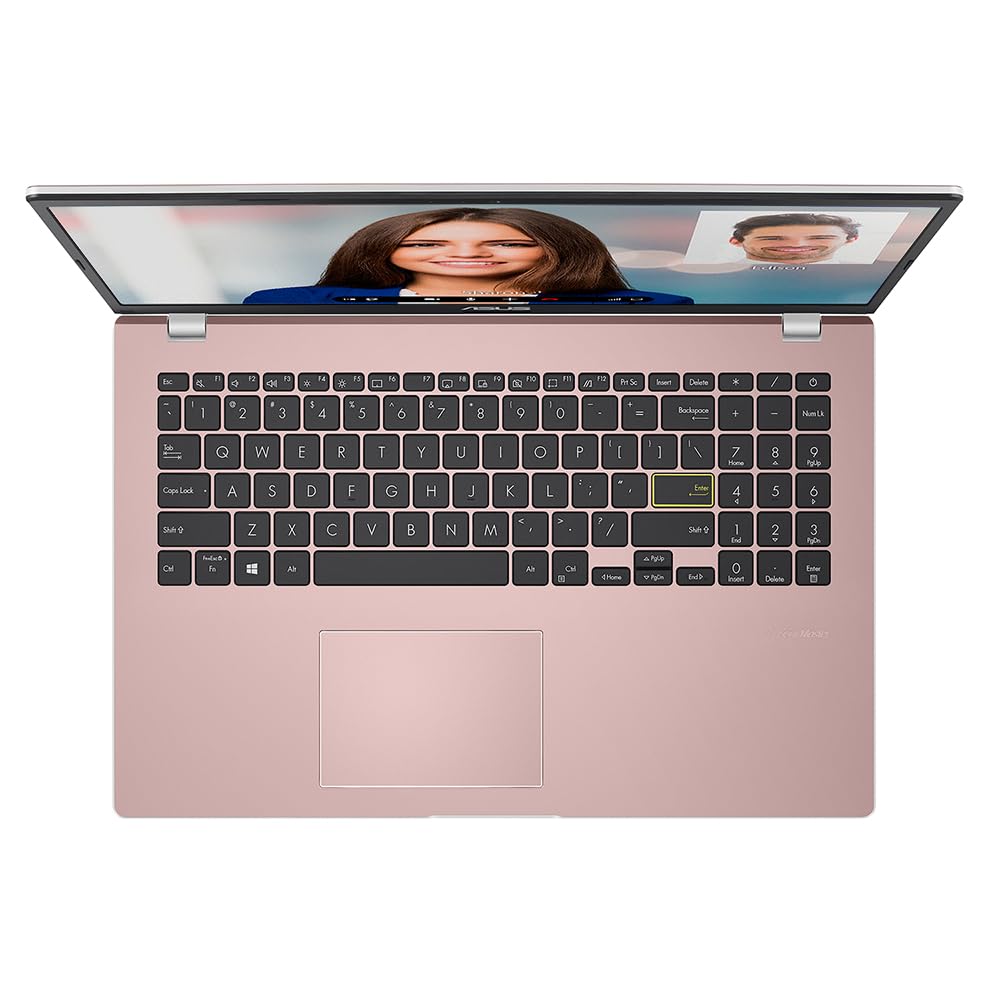
One of the standout features of the ASUS Vivobook 14 is the ASUS NumberPad, which allows for seamless numerical input. Whether you’re crunching numbers or typing up reports, this innovative feature enhances your productivity and makes tasks a breeze.
But that’s not all – the Vivobook 14 comes bundled with a 1-year subscription of Microsoft Office 365, giving you access to all your favorite apps right out of the box. Whether you’re working or playing, you’ll have all the tools you need at your fingertips.
Portability is key with the Vivobook 14. Weighing a mere 1.3kg, this laptop is incredibly lightweight and easy to carry around with you. Say goodbye to carrying heavy power adaptors, as the Vivobook 14 boasts a day-long battery life. No matter where your day takes you, you can work or play without worrying about running out of power.
Experience a new level of performance and style with the ASUS Vivobook 14. It’s the perfect companion for those who value both functionality and fashion.
Technical Specifications
- Brand: ASUS
- Model name: Vivobook 14
- Screen size: 14 Inches
- Colour: Pink
- CPU model: Celeron
- RAM memory installed size: 4 GB
- Operating system: Windows 11 Home
- Special feature: Light Weight
- Graphics card description: Integrated Graphics
- Graphics co-processor: Intel UHD Graphics (integrated)
- Additional features:
- Ships with 1 year subscription of Microsoft Office 365
- Lightweight and compact design
- ASUS NumberPad for improved productivity
- Weighs only 1.3Kg for easy portability
- Long battery life for flexibility in work or play
The ASUS Vivobook 14: A Pink Pint-Sized Powerhouse or a Lightweight Letdown?
Reet, folks, let’s have a gab about this wee pink number, the ASUS Vivobook 14. Now, if yer expecting a technological marvel that’ll knock your socks off, you might want to take a rain check. The Vivobook 14 comes with a Celeron CPU and 4GB of RAM, which in tech terms is a bit like bringing a penknife to a lightsaber fight. It’s got about as much raw power as a quiet day at the Tyne.
It’s great for all the daily computing carry-on, mind. If yer just tapping away on some Word docs or watching a bit of Netflix while your mam burns the tea, this laptop’s got your back. It’s bundled with a year of Microsoft Office 365, so you can fiddle about with Excel and PowerPoint to your heart’s content. Perfect for students who are skint but need to look busy at the library.
Now, let’s buzz over the aesthetics. It’s lightweight and weighs in at just 1.3Kg. It’s practically floating, so it’s champion for those constantly on the move, lugging their life about with ’em. The pink colour will either tickle you pink or make you gag; personal taste, innit?
With integrated Intel UHD Graphics, you ain’t gonna be gaming or creating blockbusters on this bad boy. But if your idea of play is binge-watching shows or stalking your pals on social media, then you’re sorted.
In terms of battery, this fella can stick it out all day. You can leave your charger at home and still be buzzing. Ideal for Uni students or office warriors who can’t be arsed with faffing around with a charger all day.
Let’s stack it up against some of its rivals. Compared to yer fancy MacBooks and gaming laptops, the Vivobook 14 is like throwing a water pistol into a battle of suped-up super soakers. But alongside other budget laptops like the HP Stream or Lenovo IdeaPad, it’s a decent contender, especially with its light weight and generous inclusion of Office 365.
So who’s this actually for? If you’re a budding gamer or someone who edits videos until the sun comes up, I’d say na. But for students, casual browsers, or anyone who needs a straightforward, no-frills device to handle basics without weighing them down—this’ll do nicely.