
TB4 & USB4 Hubs: The Lowdown With GadgetLad
Hey there, mate. If you’re the type who believes you can get your ultra-sleek, port-less laptop to jive with all the gadgets you adore, you’re gonna want one of these Thunderbolt 4 or USB4 hubs or docks. Believe me—I’ve put more hubs through their paces than most folks could shake a stick at. Here’s the deal. Don’t let your wallet break into a cold sweat just yet; I’ve compiled a selection of hubs that will enhance your life without making you go broke.
What Are Thunderbolt 4 & USB4 Hubs?
Thunderbolt 4 and USB4 hubs are the latest in connectivity gadgets designed to bridge that annoying gap your laptop has left behind by skimping on ports. Ideal for both Mac and PC users, they offer additional options to connect your external displays, storage, Ethernet, and much more. Particularly handy if you’re still clinging onto gear from the bygone era of 2015.
Whether you want to hook up multiple 4K screens to your rig or supercharge data transfer with speeds reaching up to 40Gbps, these hubs make it a reality. And let’s not forget—they can also keep your laptop and gadgets charged simultaneously—talk about efficiency.
Top Thunderbolt 4 & USB4 Hubs – GadgetLad’s Favorites
I’ve waded through a lot of subpar tech, but these jewels are worth every penny. Whether you’re in search of the best value for your money or need a device packed with features, I’ve unearthed the hubs and docks worth your investment.
Here are a few standout options, but keep reading if you’re interested in a deeper dive into why these are a must-have.
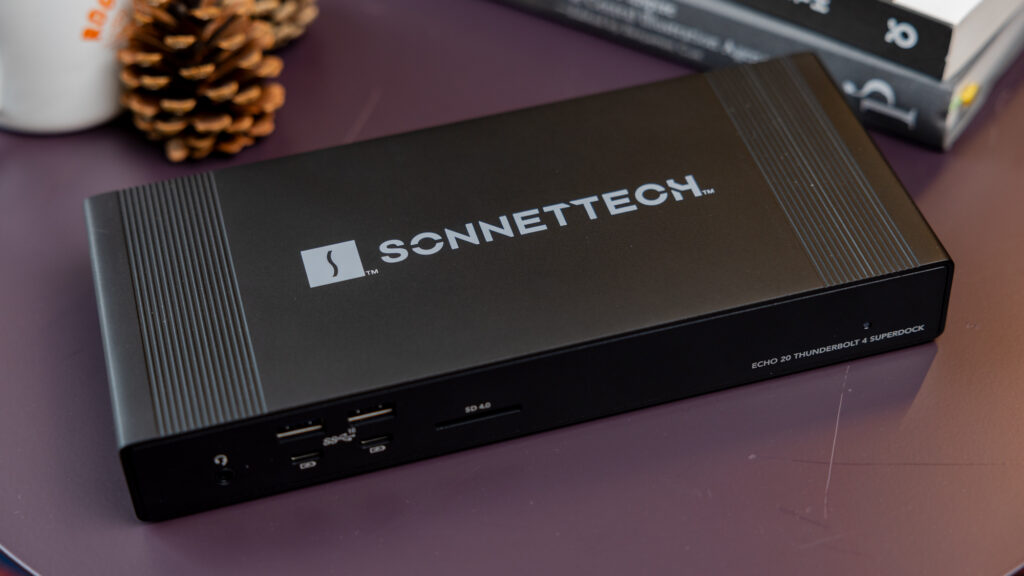
Best HDMI Thunderbolt 4 Dock: Sonnet Echo 20 Thunderbolt 4 SuperDock – view on Amazon
Best DisplayPort Thunderbolt 4 Dock: CalDigit TS4 – view on Amazon
Best Thunderbolt 4 Hub: CalDigit Thunderbolt 4 Element Hub – view on Amazon
Thunderbolt 4 & USB4—Just So You Know Why You Need These
Thunderbolt 4 and USB4 are the cutting-edge tech in connectivity, mate. But that doesn’t mean you need to ditch all your old gear. These hubs are backwards-compatible, allowing you to keep using that outdated USB-A memory stick that you stubbornly refuse to throw away. Just connect it to one of these hubs, and voila—you’ve got a versatile tool ready to tackle whatever comes your way—or at least sort out your desk.
To keep things clear in your mind, Thunderbolt 4 hubs and docks typically achieve speeds of 40Gbps, equipping you for whatever gloriously pointless tech you purchase next. As for USB4, the name might be misleading, but it significantly outperforms USB-C and USB 3.0 when it comes to speed and functionality.
USB and Thunderbolt Speeds: Quick Figures Since I Know You’re Curious
– **USB-A**: The classic rectangular plug. Peaks at around 5Gbps (USB 3.0) or 480Mbps if you’re using USB 2.0.
– **USB-C**: Starts at 5Gbps and can reach up to 20Gbps. Pay attention to charging wattage; some USB-C ports can handle up to 20W.
– **Thunderbolt 3**: Speeds up to 40Gbps. Not every PC brand prioritized its full potential, though.
– **Thunderbolt 4**: 40Gbps but with improved specs for PCs this time. Apple fans: don’t expect a significant difference from TB3.
Best Thunderbolt 4 & USB4 Hubs Reviewed: No Nonsense
Time to roll up your sleeves. These hubs are top-tier, each bringing its unique blend of functionality based on your requirements.
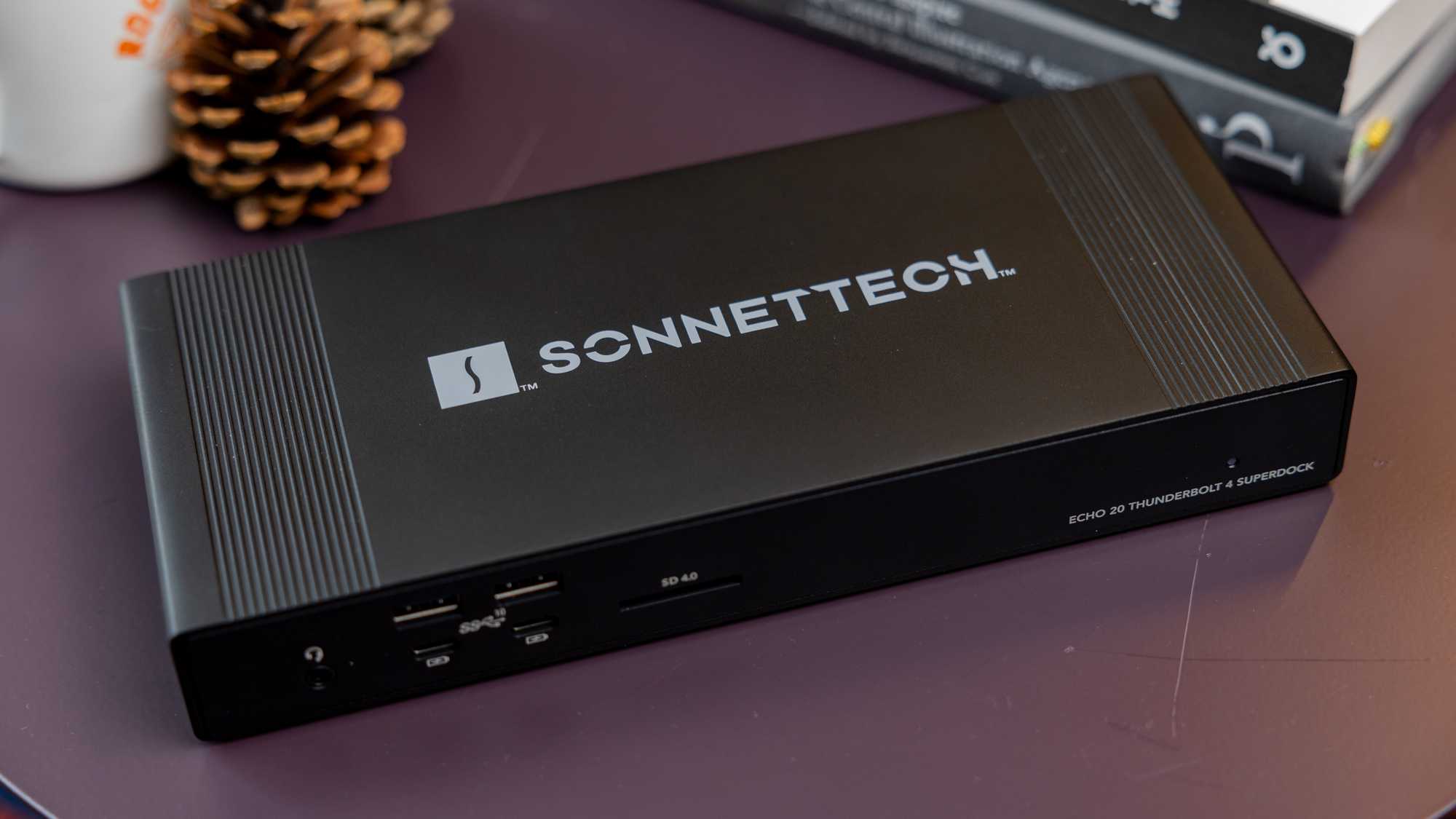
Sonnet Echo 20 Thunderbolt 4 SuperDock – Best HDMI Thunderbolt 4 Dock
**Pros:**
– Thunderbolt 4
– 19 ports (yes, seriously)
– Built-in SSD enclosure
– 100W power delivery (PD)
– 2.5Gig Ethernet for when Wi-Fi can’t keep pace
**Cons:**
– Only two downstream TB4 ports (bummer!)
Price: **$299.99**
The Sonnet Echo 20 SuperDock is exactly as advertised—superb. This powerhouse of a dock boasts 19 ports, more than most know how to utilize. Need a built-in SSD enclosure? No problem. Looking for 100W PD? Done. This is one of the few docks with a built-in SSD slot. If you’re dealing with heaps of data like I am, this is a blessing. Not the cheapest, but well worth it for serious tech enthusiasts.
Caldigit Thunderbolt Station 4 – Best DisplayPort Thunderbolt 4 Dock

**Pros:**
– 18 ports for all your equipment
– DisplayPort 1.4 (4K @ 120Hz)
– 2.5Gb Ethernet
– Massive 230W power supply
**Cons:**
– More expensive than your mum’s birthday meal, mate
Price: **$399.95**
Caldigit’s TS4 is my top choice for DisplayPort configurations. This device is over the top, but in the best way—ideal if you’re gaming, working remotely, or just want to show off your external screens. Additionally, the 230W power supply essentially turns this into a power station for all your desk gadgets.
Caldigit Thunderbolt 4 Element Hub – Best Thunderbolt 4 Hub

**Pros:**
– Four Thunderbolt 4 ports, incredibly fast
– Four USB-A ports, classic but reliable
– 150W power supply, ensuring all your devices are taken care of
**Cons:**
– 60W laptop charging may be inadequate for power-hungry laptops
Price: **$199.95**
This is your best option if you don’t require a full dock. It’s compact, adaptable, and won’t have you breaking the bank. The Caldigit Thunderbolt 4 Element Hub is perfect for expanding both legacy USB-A and USB-C Thunderbolt devices.
Why GadgetLad Admires Thunderbolt 4
Thunderbolt 4 is the way forward, mate. Whether you’ve got more screens than logic or need to speed up your unreliable storage solutions, this tech manages it all. Complete backward compatibility means you’ll keep using your old gear, and with 40Gbps speeds, you’ll never wait ages for file transfers again.
And for all you Windows users—this might be the only instance where you get to enjoy something **almost** as impressive as what we Mac fans have been relishing for years. But at least you won’t have to deal with Apple’s exclusive nonsense.
“Hubby McHubface” – Final Thoughts
Let’s cut to the chase, mate. You need these hubs to rescue you from endlessly plugging and unplugging gadgets like it’s 2005. Whether you’re into docking stations equipped with every feature under the sun, or just need something to connect your phone, monitor, and external drive, Thunderbolt 4 and USB4 are the future-proof, straightforward, all-in-one solutions. Choose wisely and steer clear of the budget rubbish; your tech deserves nothing less. Until next time, GadgetLad out.