
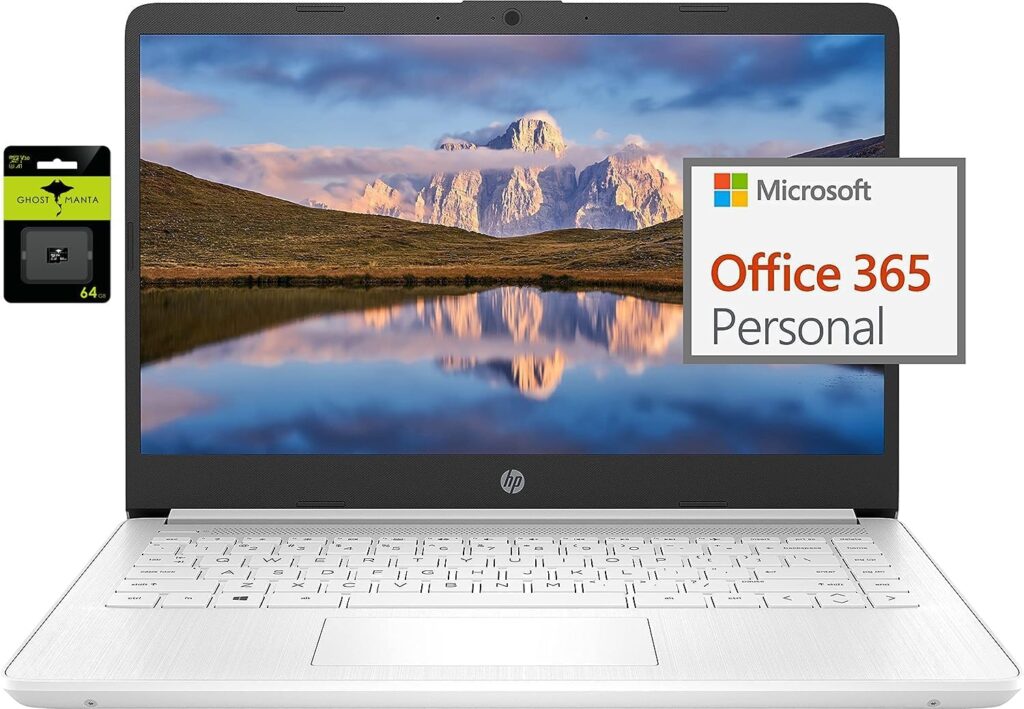

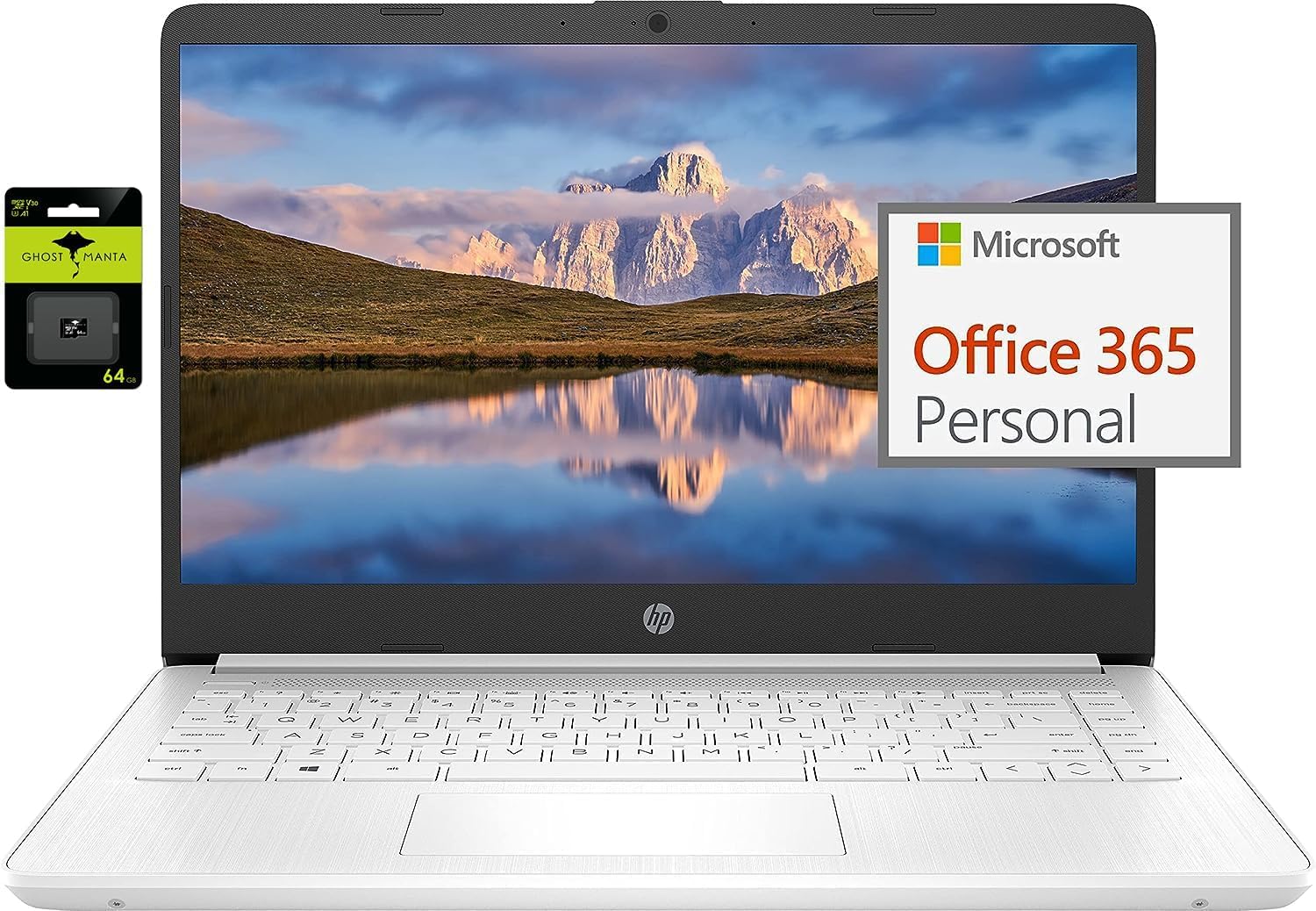
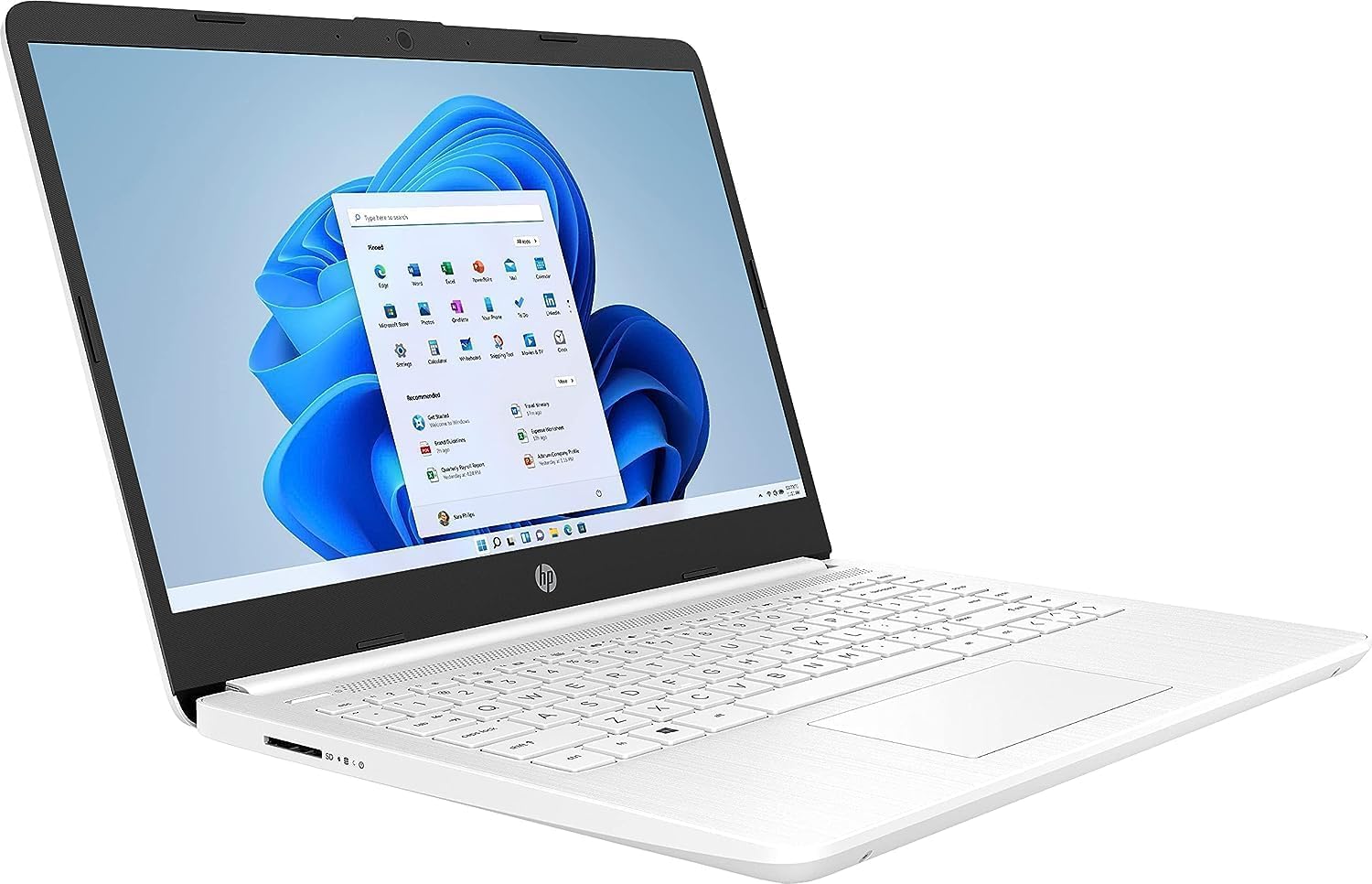
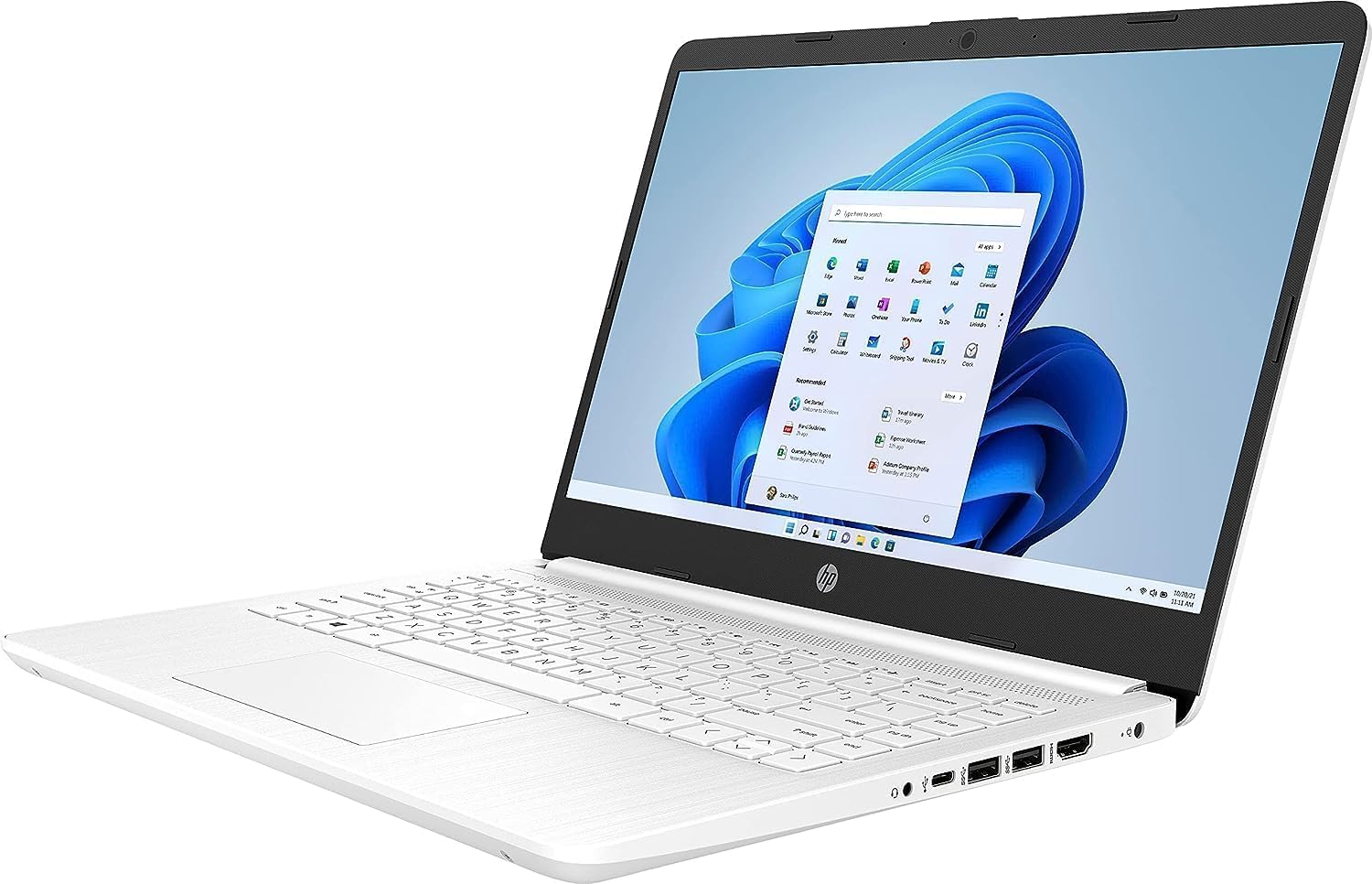
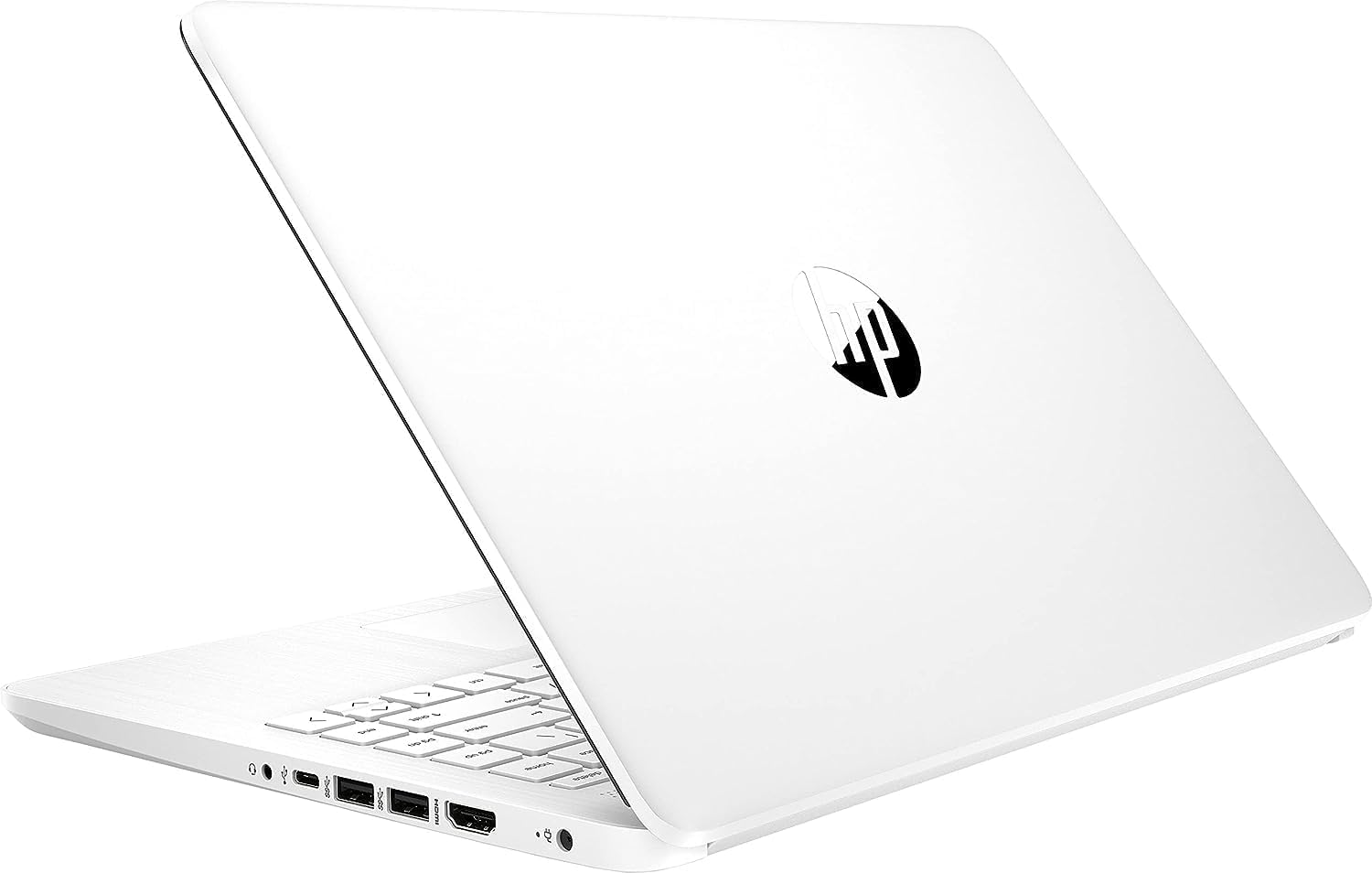

In the realm of computing, the Windows 11 laptop is a versatile companion melding security and performance seamlessly. Engineered initially for optimal functionality through Microsoft Store apps, this device harbors a secret; it allows one to breach the limits imposed by this exclusive environment. Picture a fluid transition from the confined S mode to a liberating Windows 11 Pro world where a myriad of applications awaits your summons.
Unleash the full potential. Follow the guide to procure this metamorphosis: Initiate the transformation in your system settings, wade through the procedural waters, until you hear the freedom’s song echoed through your device.
Embark on a visual escapade with the vibrant 14.0-inch HD display wrapped in BrightView technology, transcending traditional bezel confines to deliver impeccable viewing angles. Intel Celeron N4120, a mighty processor at the helm, harmonizes with the 8GB RAM to cement an unshakable alliance against digital adversities.
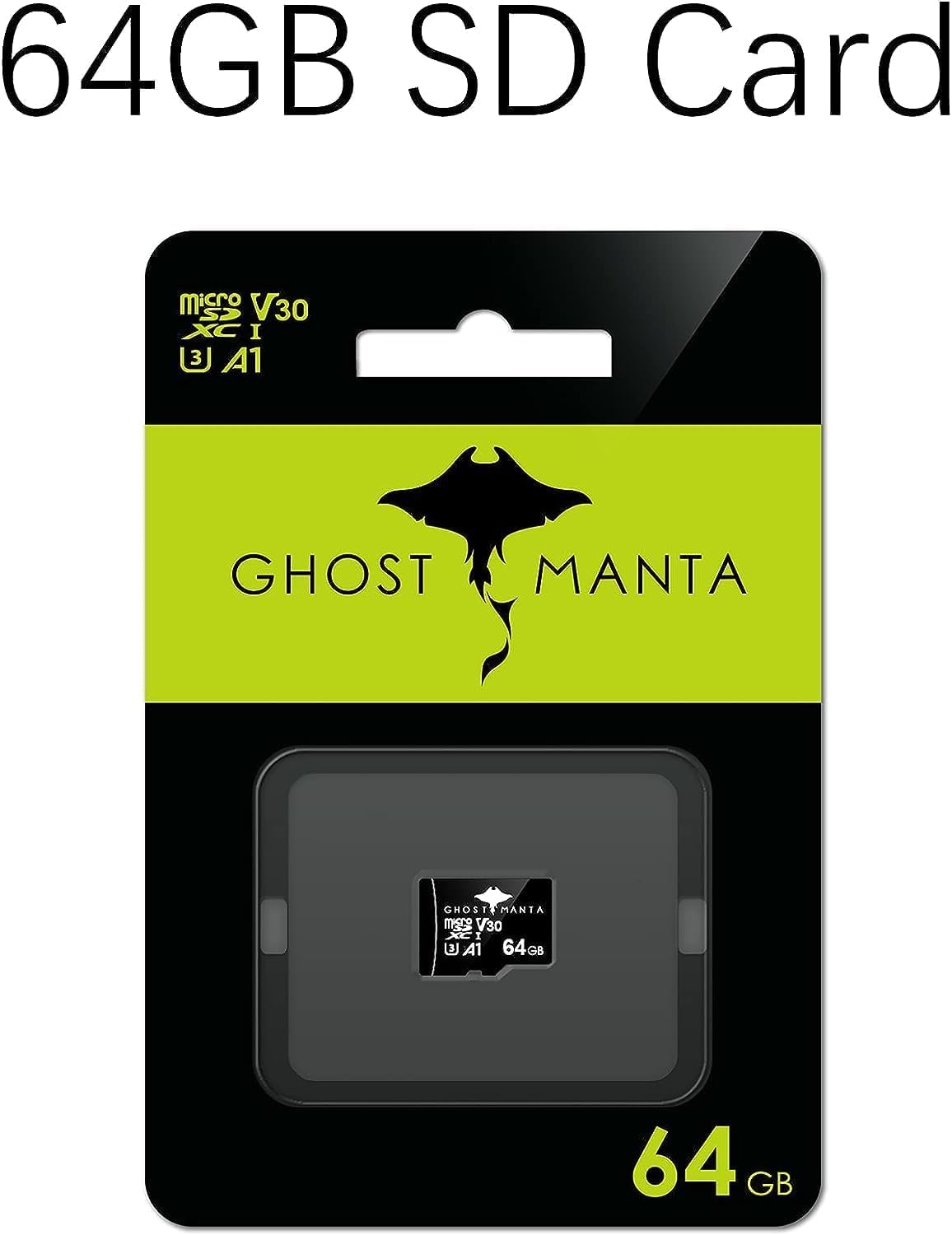
Intuitive productivity thrives in the union of 128GB eMMC Storage and the strategic 128GB Ghost Manta SD card, ensuring your digital terrain is well-tamed and ever-expanding.
Connectivity blooms with 802.11a/b/g/n/ac Wi-Fi and Bluetooth, transmuting pixels into seamless digital experiences. Relish freedom with a battery life reaching up to 10 hours, your passport to uninterrupted creativity. The HP True Vision camera is a gateway to crystal-clear visuals and meaningful interactions, encapsulating the essence of modernity and convenience.
Key Technical Specifications
- Display: 14.0-inch diagonal, HD (1366 x 768), micro-edge, BrightView
- Processor: Intel Celeron N4120, 4 Cores & 4 Threads
- Memory: 8GB RAM
- Storage: 128GB eMMC + 128GB Ghost Manta SD Card
- Graphics: Intel UHD Graphics 600
- Operating System: Windows 11 Home in S mode
- Battery Life: Up to 10 hours
- Webcam: HP True Vision 720p HD camera with integrated dual array digital microphones
- Connectivity: 802.11a/b/g/n/ac (2×2)(19a) Wi-Fi and Bluetooth
- Dimensions: 12.76 x 8.86 x 0.71 inches
- Weight: 3.24 lbs
Windows 11 S Mode Laptop: A Geordie’s Take on Navigating S Mode and Beyond
Areet, folks, it’s ya GadgeLad here with another tech review, this time on a budget-friendly laptop running the infamous Windows 11 in that daft S mode. Don’t worry, I’ll break it down Newcastle style, so sit tight if you’re thinkin’ of gettin’ one of these for yerself or granny Maggie!
First off, this laptop packs an Intel Celeron N4120 processor with 4 cores, decent enough for everyday tasks. But let’s be honest, it’s neey Formula 1 engine! Compared to other budget machines like Chromebooks, it holds its ground purely because of its 8GB of RAM. That’s more than you’d get in yer typical cuppa down the road at a greasy spoon café. So if you’re up for a couple of browser tabs and a bit of Word action, you’re golden.
Now, here’s where the banter gets serious. This Windows 11 S mode malarkey is all about security and only usin’ apps from the Microsoft Store. But who’re they kidding? Even my Jack Russell needs more flexibility than that! Thankfully, switchin’ outta S mode is easy as pie—badabing, badaboom—into familiar Windows 11 territory where you’re free to roam the app wilderness.
Display-wise, ya get a 14-inch HD with them fancy micro-edges. Not bad for a Friday night Netflix session! But aye, don’t be expecting 4K stunning visuals; this one’s more like watching the footy down the pub. If you wanna do multi-monitor setups, the UHD Graphics 600 will play along nicely without fuss.
Battery life claims up to 10 hours, but with my gym regime, I’d say around 7 after a bit of use. Still, that’s enough for a good gym session playlist or a few grip-and-rips on the weights. And ah, the webcam’s a HP True Vision 720p job, perfect for those awkward virtual yoga workouts or dodgy Wi-Fi coffee shop catch-ups.
Connectivity’s got you sorted with the latest Wi-Fi standards and Bluetooth. For ports, ya got USBs, HDMI, and even a microSD slot for added storage. That’s decent if you ask me; none of that ‘dongle life’ hassle ya get with some other brands.
So who’s this setup for then? If ya need a trusty sidekick for simple tasks, schoolwork or just summat to keep Granny entertained with Candy Crush, this laptop might tick yer boxes. But do remember, anything heavy duty, ya might wanna save up a bit more dosh.
Aye, Windows 11 S mode might be a wrinkle in the plan at first, but take it from a systems engineer—simple switch, no sweat!
