
Introducing the HP Laptop with Microsoft Office 365
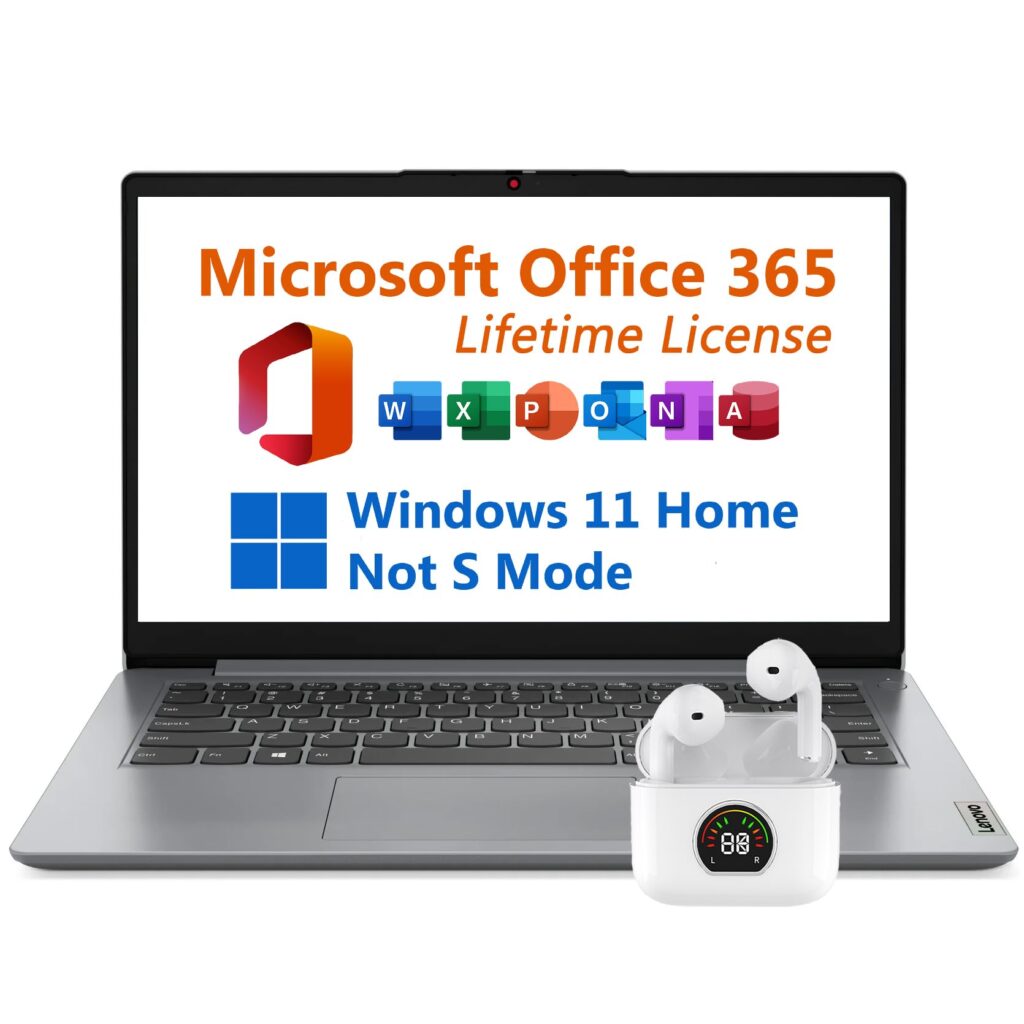
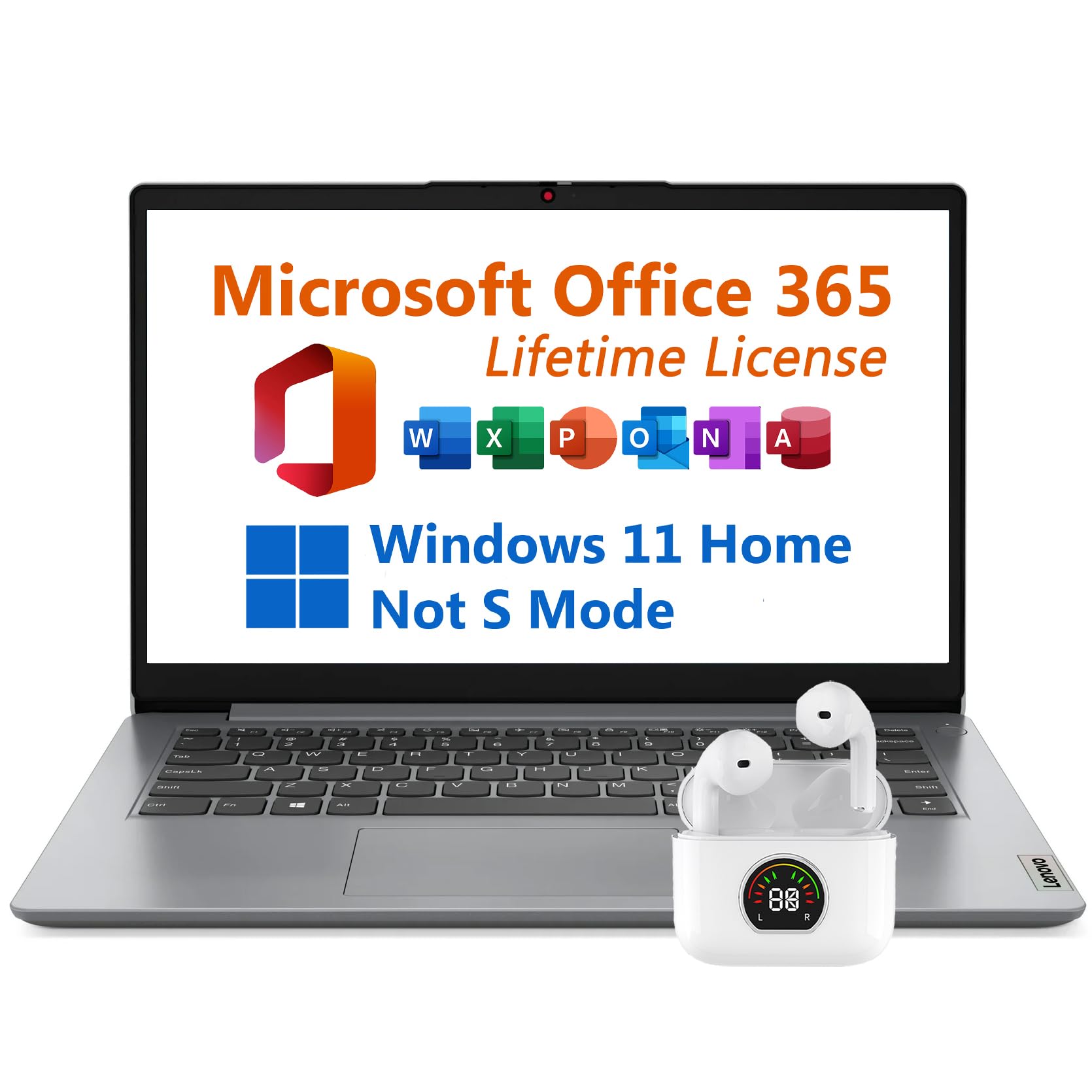
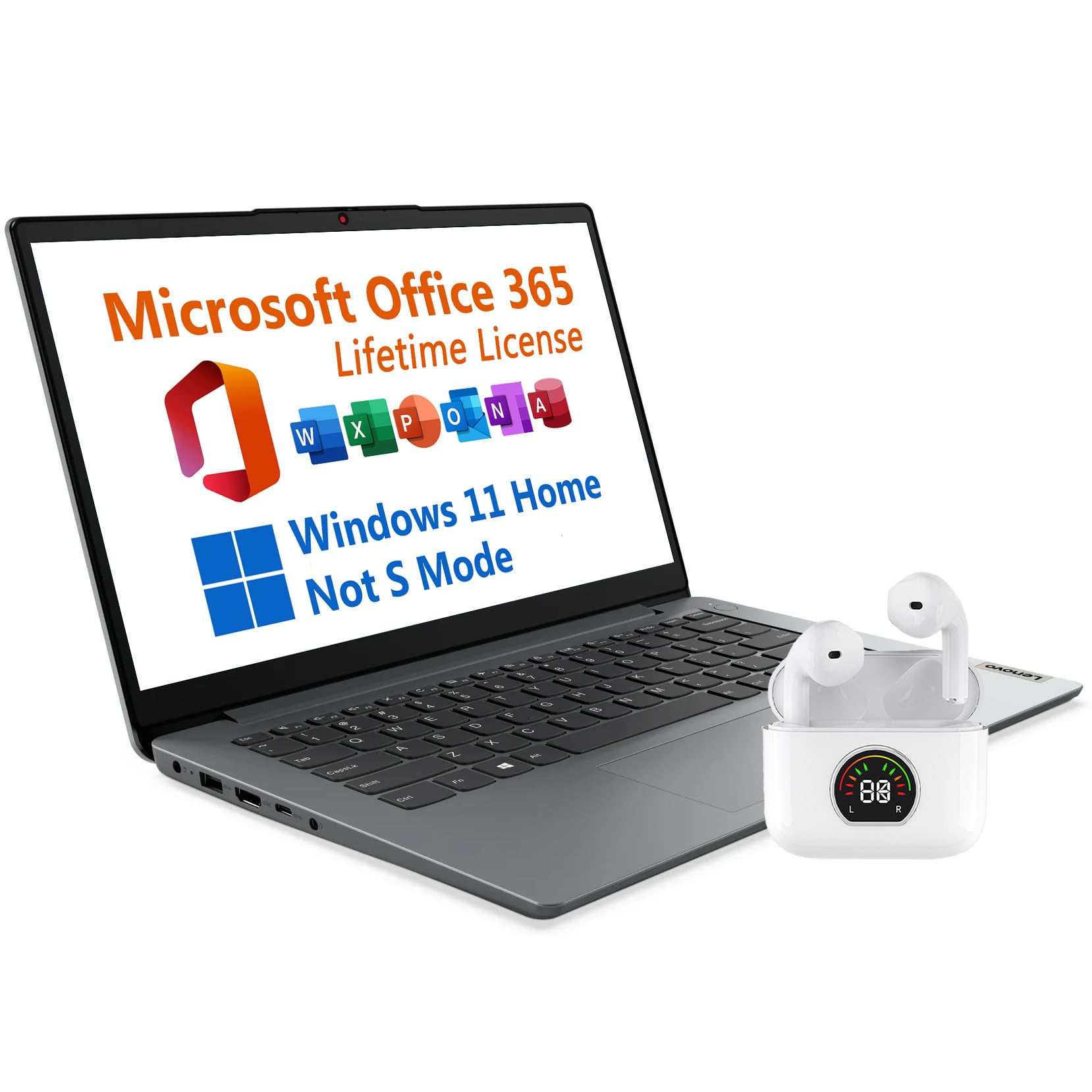
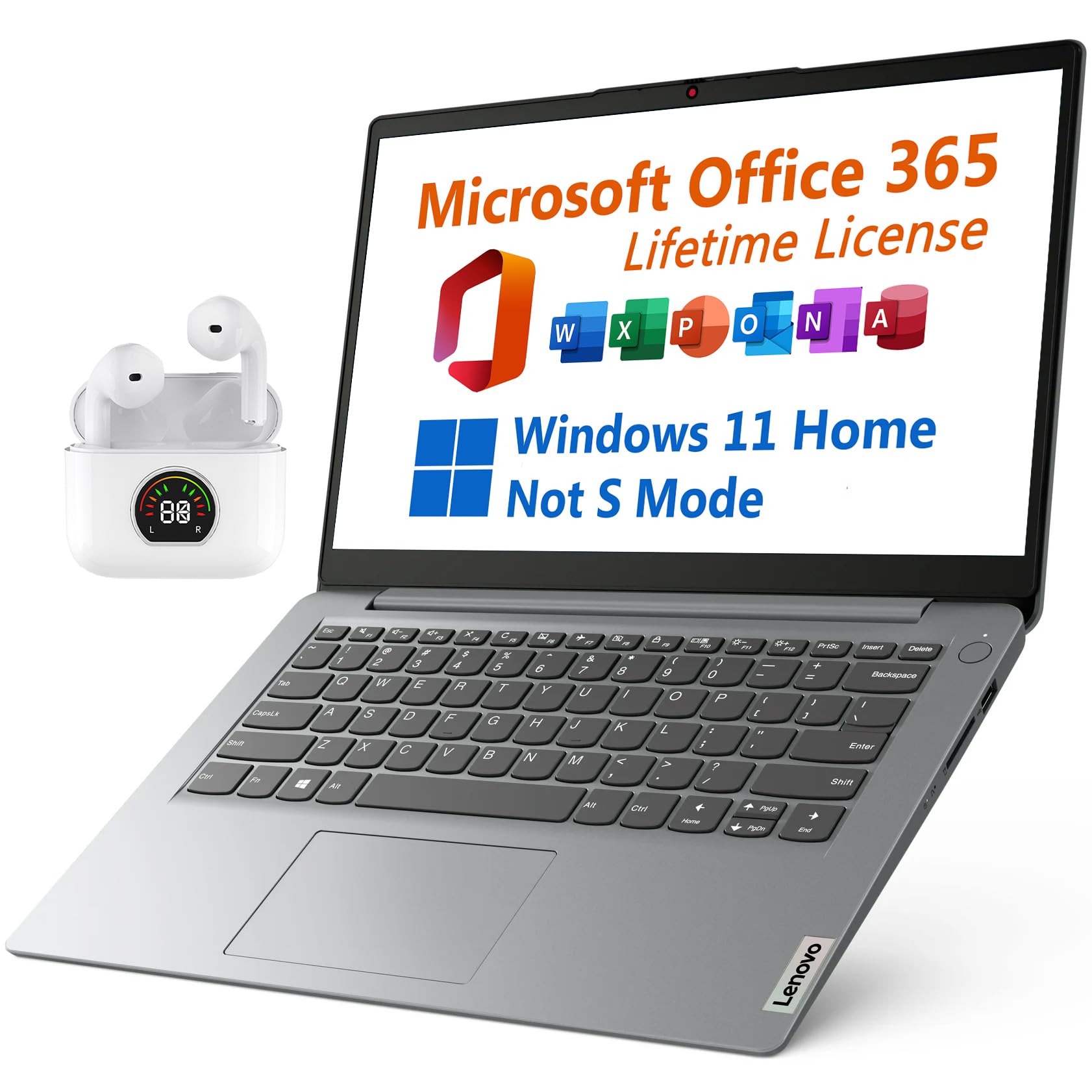
Experience the perfect blend of efficiency and style with the HP Laptop featuring a powerful Intel Celeron processor. Enjoy the stunning visuals on the 14″ HD display while benefiting from a generous 8GB of RAM for seamless multitasking. This laptop comes with Windows 11 Home for a user-friendly experience, and the long-lasting battery ensures you stay productive for up to 10 hours. Stay connected with a range of ports and enjoy enhanced audio with Dolby speakers. Plus, you get Microsoft Office 365 with a lifetime license included. Elevate your audio experience further with the bonus Toree Wireless Bluetooth 5.3 Earbuds for immersive sound on the go.
Key Technical Specifications
- Processor: Intel Celeron N4500 Processor 1.1 GHz (2 Cores, 2 Threads, 4M Cache, up to 2.8 GHz with Intel Turbo Boost Technology)
- Operating System: Windows 11 Home, English
- Graphics Card: Intel UHD Graphics
- Display: 14″ diagonal, HD (1366 x 768), Non-touch, Narrow bezels, Anti-glare, 220 nits
- Memory: 8 GB, DDR4, 3200 MHz
- Hard Drive: 128GB eMMC + 512GB PCIe SSD
- Case: Cloud Grey
- Keyboard: Non-Backlit Keyboard, English
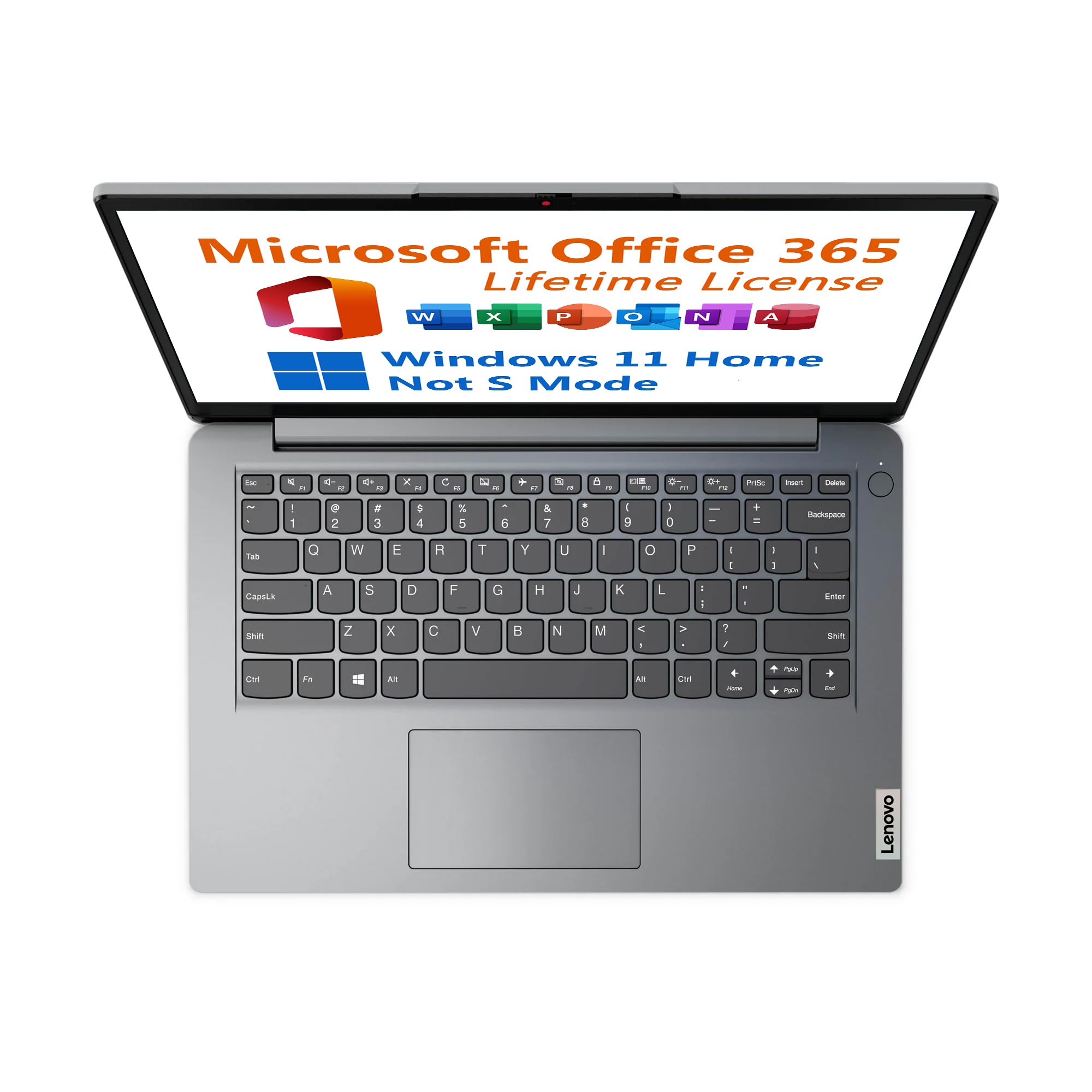
- Software included: Microsoft Office 365 with Lifetime License, Activated without needing a product key
- Warranty: One Year Seller Warranty, Free Mail-in Repair Service
The Celeron Conundrum: Bang for Your Buck or Meh?
Right, ya tech tinkerers, it’s GadgetLad here, and today I’ve been sweet-talked into eyein’ this laptop with an Intel Celeron N4500 Processor. Think of it like a workhorse that’s had one too many pints. It’s got two cores and goes up to 2.8 GHz with a turbo boost, aye, but this isn’t exactly the Ferrari of processors. It’s more your trusty Vauxhall Astra – it’ll get you to work but don’t expect it to break any speed records.
Why Aye or Why Bother? First up, let’s talk display. A 14-inch HD screen that’s not touchable. It’s like having a telly that doesn’t work with your Sky remote. The 1366 x 768 resolution is just about alright if you’re not expecting fireworks. But let’s face it, at 220 nits, the display’s brightness is about as dim as a Sunderland fan in St. James’ Park on derby day.
Memory-wise, you’ve got 8GB of DDR4 RAM. It’s decent for a budget rig, but with this price, it’s like winning a Greggs sausage roll – satisfying but gone too soon if you’re a multi-tasker. A 128GB eMMC and 512GB SSD combo – not bad for hoarding all your Geordie Shore re-runs. But for gamers and content creators, this might leave you crying in your Newcastle Brown Ale.
Office 365 Freebie – Aye, That’s a Toonie Saved If Microsoft Office was a pint at the pub, this budget beauty’s just saved you a few quid by throwin’ it in for nowt. But don’t get too chuffed; it’s probably included so you don’t complain too much about the lack of power.
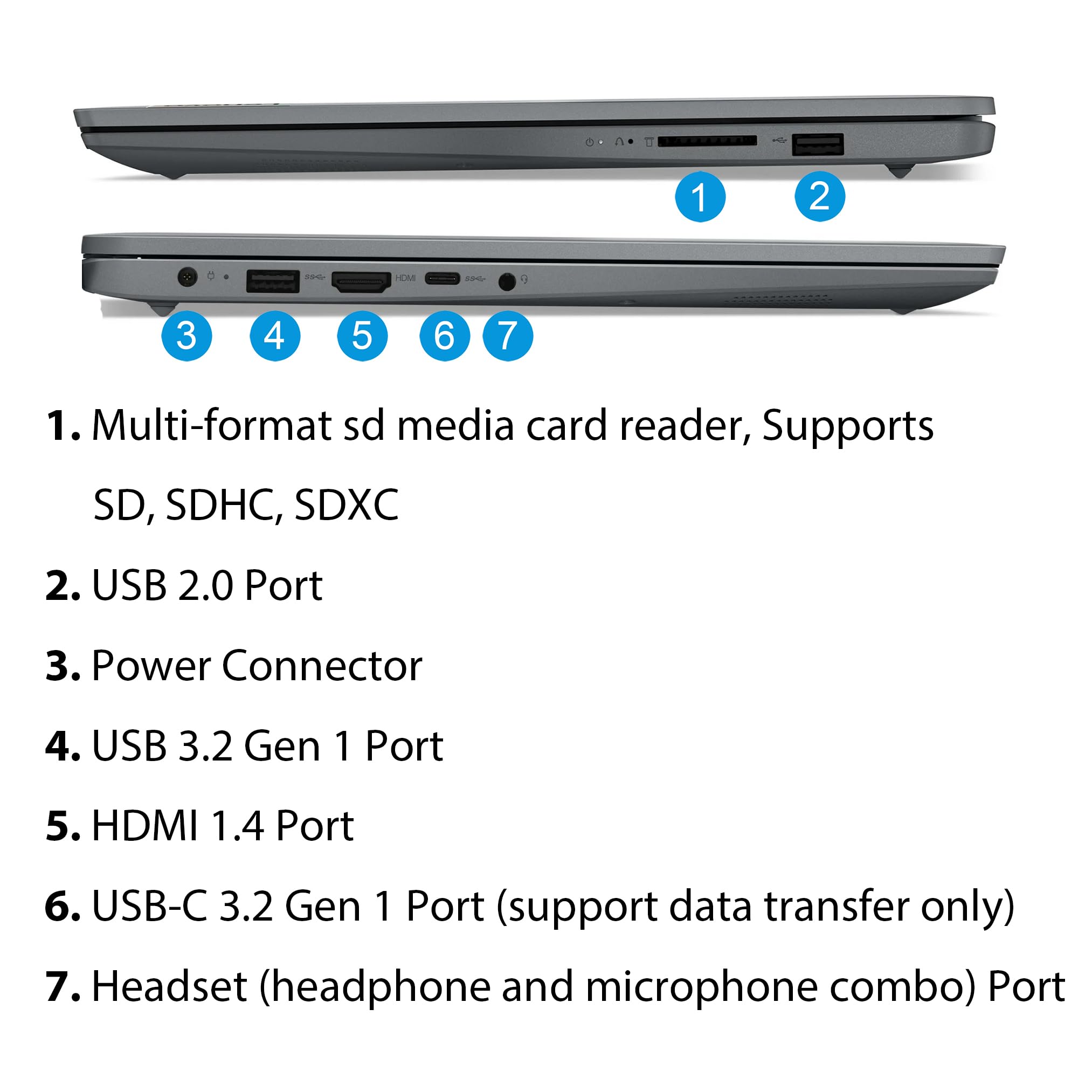
The Meaty Bits You Want Ports! You’ve got your usual suspects: USB Type-C and Type-A slots, HDMI, and all the headphone giggles. However, don’t get too cozy with the one without power delivery – it’s just for show, like a bouncer who won’t let you in. Battery life claims up to 10 hours, not bad for carting around campus or jotting down notes at Gateshead College.
Finally, those Toree wireless earbuds – a cheeky little surprise, though they ain’t any AirPods, mate. But they will do the job for your Metro rides.
Who’s This for, Then? Got a young ‘un off to uni or just need a slab to fire off some emails and watch YouTube vids? This laptop’s like a Metro pass – functional and reliable but not gonna get you anywhere fast. Hardcore gamers and design wizards best look elsewhere unless ya fancy a tech-induced fit of rage.