
Nowadays, there are applications available for nearly every purpose. However, many of them seek excessive permissions that don’t always appear warranted. Take a flashlight app, for instance; it has no need for access to your microphone (and if it does, caution is advised). Often, unseen ad trackers operate in the background, tracking your activities, compiling data, and selling it to external parties.
We will highlight which apps are especially concerning and guide you on how to review the permissions you’ve allowed on Android and iPhone.
Certain data-hungry apps to remove
1. Flashlight apps
Your mobile device already includes a built-in flashlight, so why add another app? If you have a third-party flashlight app, remove it immediately. Many prove to be data leaks that far exceed their intended function. Some request permissions like access to your contacts, microphone, or even your location. It’s quite strange, considering all they need to do is illuminate.
Note: This also holds true for apps designed for other features that already come standard on your phone. For example, you don’t require a third-party camera app if you can utilize the pre-installed camera app from your device’s manufacturer.
2. Lifestyle and health apps
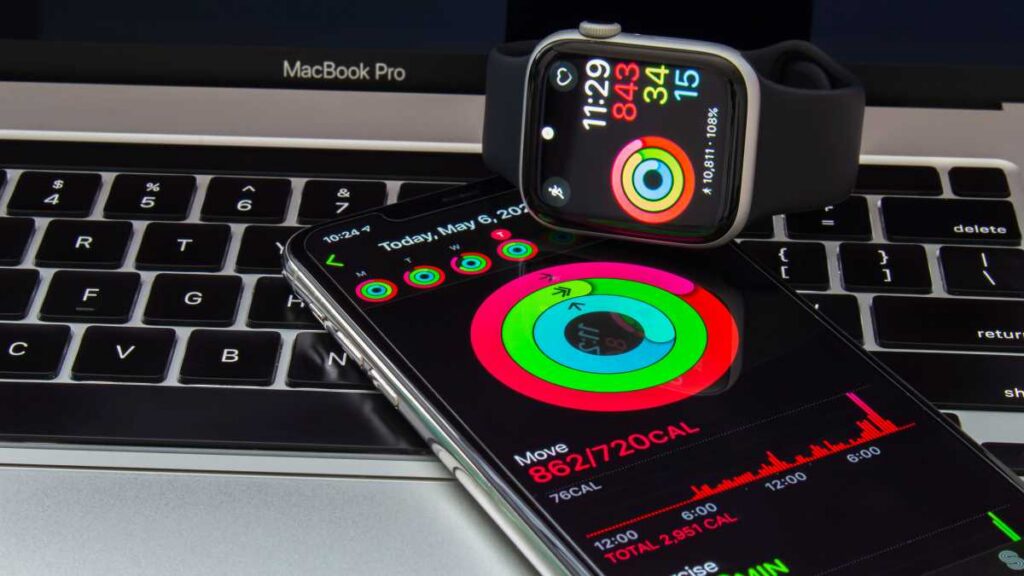
Apps that analyze sleep, count steps or track calories may appear useful, but they often ask for permissions unrelated to their actual function. Along with constant location access, many of these apps also seek access to your microphone, photos, or even your contacts. There’s no technical necessity for this, but there is certainly an economic rationale.
oasisamuel / shutterstock.com
As defined by GDPR (General Data Protection Regulation, an EU directive), health-related data requires particular safeguards. However, numerous fitness app companies sell anonymized user profiles to insurance agencies, pharmaceutical companies, or employer platforms. This is feasible because certain providers include data sharing consent in their privacy terms. Anyone who taps “Accept” during the app’s initial launch inadvertently grants consent.
The extent of this issue came to light in a 2020 report by US publication Vice: the US military acquired location information from data brokers through seemingly benign smartphone applications, including Muslim Pro, a prayer scheduling app boasting nearly 100 million downloads worldwide.
3. Navigation apps
GPS navigation applications from unverified providers carry particular risks. In these instances, location access may be redirected straight to data broker entities, which connect your movement data to other data points and sell it.
Therefore, regularly clear your Google Maps location history and entirely disable the Timeline feature if it’s not in use. A privacy-conscious alternative to Google Maps and similar platforms is the open-source app OsmAnd, which operates offline as well.
OsmAnd
4. Shopping apps
Retail behemoths like SHEIN and Amazon have long been suspected of requesting significantly more permissions than necessary. Have you ever noticed products online that you casually mentioned just moments earlier? It’s definitely not a coincidence.
All major providers officially deny utilizing the microphone for targeted ads. However, the synergy of location data, search history, and purchase behavior is sufficient to generate surprisingly accurate forecasts about your preferences. Thus, review which shopping apps you truly need, or better yet: shop on your desktop.
5. Weather apps
Weather applications are frequent offenders when it comes to embedding advertising trackers. At first glance, location access seems logical since the app needs to show local weather. Yet many such apps also request access to your contacts, photos, or the device camera. There’s no functional explanation for this. But there’s a business motive: the more permissions an app gathers, the more valuable the user profile it sells to advertisers.
Two tangible instances illustrate that this issue is far from theoretical. The Weather Channel (one of the most recognized weather apps globally, with tens of millions of active users) collected location data from its users on a minute-by-minute basis around the clock – even when the app was inactive – and sold it to third parties without adequately informing users. Following a lawsuit and years of litigation, the matter concluded in 2023 with an agreement.
Many of these apps also request access to your contacts, photos or the device’s camera
German users were impacted even more directly by the “Wetter Online” app, which, with over 100 million downloads, ranks among the most prevalent weather apps within the German-speaking realm: during the Databroker Files inquiry, Wetter Online was featured in a dataset owned by a US data broker. On just one day in Germany, over 34,000 app users were tracked, with some instances being within a meter’s accuracy.
The Data Protection Commissioner for North Rhine-Westphalia promptly intervened, determining that the company had transmitted location information without valid consent. It was only after this intervention that Wetter Online altered its data protection policies.
The good news is you don’t need a third-party weather application. Most smartphones come equipped with a built-in weather function that is just as reliable as data from third-party apps – without requiring any additional permissions.
How to review your apps’ permissions
Now that you’re more informed about which categories of apps may pose problems, take a closer look at the permissions set on your smartphone. Both Android and iOS provide clear menus for this purpose.
Android: Open Settings and select ‘Apps’. Pick an app and tap ‘Permissions’. This will display at a glance which areas the app is permitted to access and which it isn’t. You can also disable specific permissions right away.
iPhone (iOS): Navigate to Settings > Privacy & Security. All permission categories are listed, like Location, Microphone, Camera, or Contacts. Tap on a category to see which apps have access, and modify the settings if needed. Individual app permissions can also be accessed directly via Settings > Apps > [App Name].
As a rule of thumb, only grant an app the permissions it genuinely requires for its primary function. Location access should ideally be restricted to ‘while using the app’ and never be allowed to run continuously in the background. You should only permit access to the microphone, camera, and contacts when actively using the respective function in the app. And for apps that request permissions irrelevant to their function: do not hesitate to uninstall them.
You might also want to explore which Android privacy settings to adjust for enhanced security. If it’s time to upgrade your device, check out our top picks in our compilation of the best phones we’ve evaluated.
Conclusion
That’s all there is to it. Time to kick those sneaky apps off your phone before they exploit your data more aggressively than a Geordie on a night out. Enjoy your decluttering!